
🟥 Break
🟥 Break
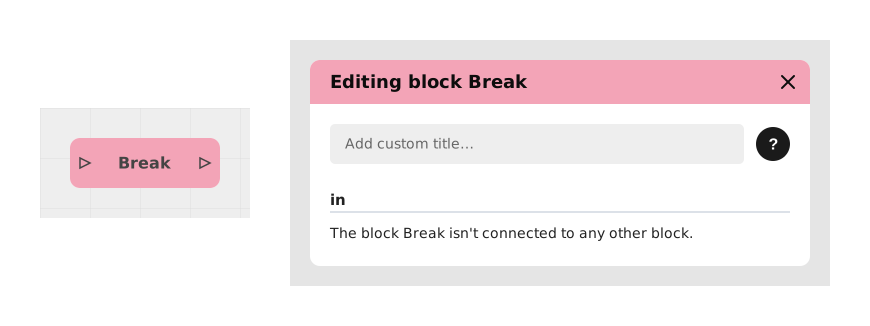
The Break block makes a tiny pause, invisible to the player, in the middle of a loop (a sequence of actions that repeats several times in a row).
Without this pause, a loop that runs very fast for a very long time can end up filling up the application's memory and crashing it. The Break block gives the application time to "catch its breath" before continuing, without the player noticing anything.
📥 Entries
- in (Flow): Incoming execution flow that triggers the interrupt before continuing.
📤 Outings
- out (Flow): Execution immediately returns to the rest of the graph after a brief pause, thus securing the memory.
💡 Example of use
Scenario: A loop that repeats hundreds of times
- A creator builds a loop (Repeat block) that recalculates a score on every pass, and runs it several hundred times in a row.
- Without precautions, such a long and fast loop can crash the application.
- The creator places a Break block inside the loop, between two other blocks.
- On every pass through the loop, the Break block makes a split-second pause, completely invisible to the player.
- The loop can then run hundreds of times without ever crashing the application.
⚙️ Technical Details
- Former name: Break Stack
- Technical behavior: This block temporarily interrupts execution to empty the call stack (stack), thus avoiding memory overflow errors.
- Note: No parameters are necessary – the block acts automatically on the current flow.
Documented version: v1
Updated on: 06/09/2026
Thank you!