
🟪 Audio choice
🟪 Audio choice
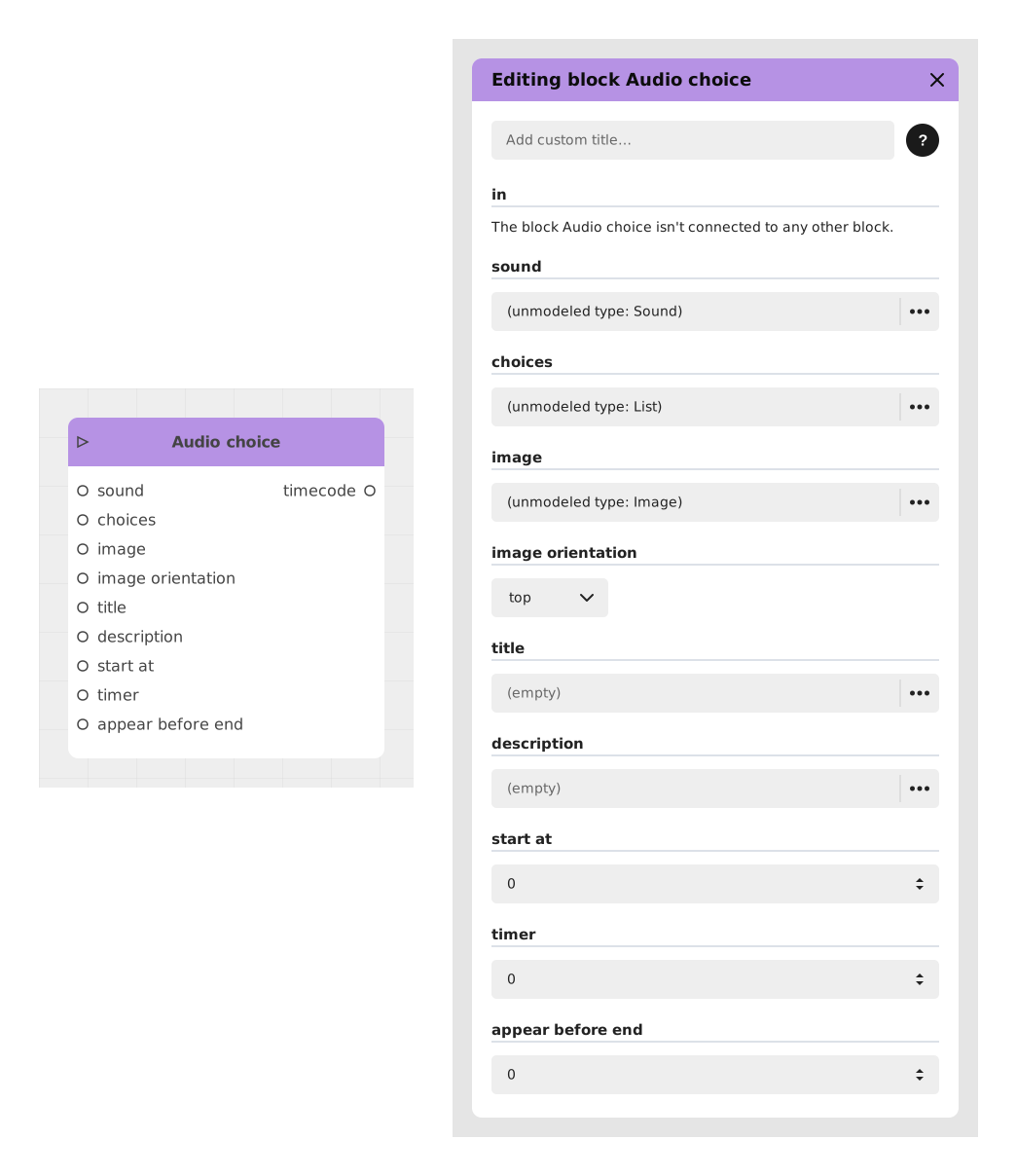
The Audio choice block presents the player with a set of choices centered on an audio clip, optionally illustrated by an image — typically used in the Chatbot template to let a character "say" something the player reacts to.
📥 Inputs
- in: Triggers the block and pauses the experience until the player picks a choice.
- sound: The audio file played when this choice screen appears.
- choices: The list of text options offered to the player (add one or more "Text" entries).
- image: An optional illustration displayed alongside the choices.
- image orientation (default: top): Where the image is placed relative to the choices.
- title: An optional heading displayed above the choices.
- description: An optional supporting text displayed with the choices.
- start at (default: 0): Delay before the choices become selectable.
- timer (default: 0): Optional countdown before the choice is made automatically (0 = no timer).
- appear before end (default: 0): Lets the choices appear before the audio finishes playing, by the given amount of time.
📤 Outputs
- One dynamic output per choice, activated when the corresponding option is selected.
- time out: Only appears if a timer is set (greater than 0). Taken if the countdown runs out before the player picks a choice.
- timecode: The point in the audio (in seconds) at which the player made their choice.
💡 Example of use
Scenario: A character asks a question out loud
- The sound input plays the voice-over of a character asking "What do we do now?".
- Two choices are added: "Run away" and "Fight back".
- A portrait of the character is set as the image, positioned on top.
- Once the audio finishes playing (or after the configured timer), the player selects an option, and the flow continues from the matching output.
⚙️ Technical Details
- Template-specific block: Audio choice is available in the Chatbot template rather than the generic block registry.
- Related blocks: see also the generic Choice and Video choice blocks.
Documented version: v1
Updated on: 23/09/2026
Thank you!