
⬜ Hide HUD
⬜ Hide HUD
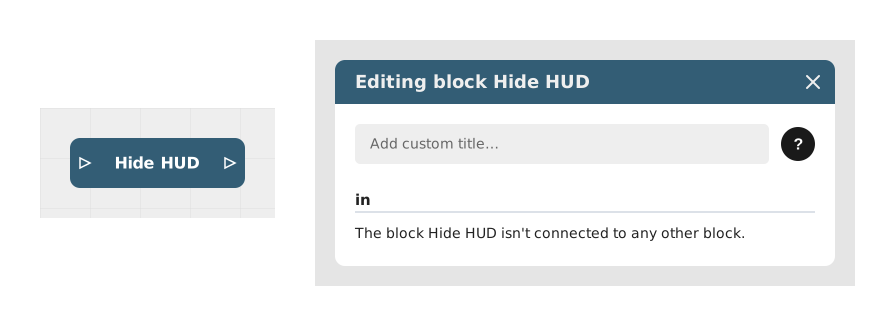
The Hide ATH block allows you to temporarily or permanently hide the user interface (ATH/HUD) of a module, such as menus, navigation buttons and other overlay elements.
This block is particularly useful for cutscenes, scene changes, or moments where the user needs to focus solely on the visual content without distraction.
📥 Entries
- in (Stream): Flow link that triggers the hiding of the interface. This block has no other setting: as soon as the flow reaches it, the action is applied.
📤 Outings
- out (Stream): Flow link to continue the scenario right after hiding takes effect. There is no other branching: the effect applies globally to the current display.
💡 Example of use
Scenario: Immersive cinematic at the start of the module
- The user starts the module and arrives at an introductory scene.
- A Video Playback block is triggered to broadcast a welcome sequence.
- The Hide ATH block is connected in parallel to remove any unnecessary interfaces.
- The video is displayed in full screen without disturbing elements (buttons, progress bars).
- At the end of the video, a Show ATH block (if available) or scene change restores the UI.
⚙️ Technical Details
- Technical behavior: This block modifies the overall display state of the Celestory player by hiding the interface layer superimposed on the active graph or scene.
- Note: To be used on parallel branches or at times when the absence of an interface does not block progress (eg: during a video or animation).
Documented version: v1
Updated on: 23/09/2026
Thank you!