
⬜ Video from URL
⬜ Video from URL
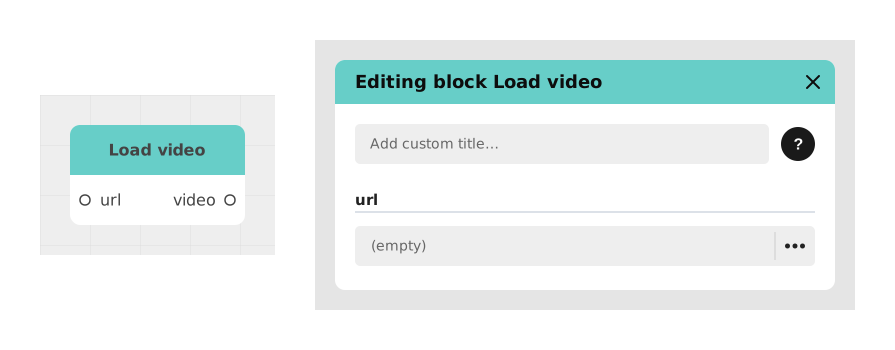
The Video from URL block lets you use a video that stays hosted on another site (for example your own server), instead of importing it into your Celestory project. You simply give its web address (URL), and Celestory fetches it at the moment it needs to be shown.
The benefit: your app stays lighter to download, and if you replace the video on the server, the new version shows up automatically in your project, with nothing to re-export.
📥 Entries
- url (Text): Full internet address (URL) pointing directly to the video file (eg: https://monsite.com/videos/intro.mp4).
📤 Outings
- video (Video Resource): Generated video object, ready to be used by a display block or video playback.
💡 Example of use
Scenario: Show a promotional video updated daily
- Your server hosts a promotional video updated every day (ex: https://your-business.com/promo.mp4).
- You retrieve the URL of the video via a variable or a Text block.
- You connect this URL to the url entry of the Video from URL block.
- The block generates a video object via the video output.
- You connect this object to a compatible Video Playback or Display block.
- User automatically sees the latest version of the video without changing the app.
⚙️ Technical Details
- URL compatibility: The URL must point directly to a video file (.mp4, .webm, etc.). Links to web pages containing players (eg: YouTube) will not work.
- CORS: The server hosting the video must allow cross-origin requests for web applications.
Documented version: v1
Updated on: 23/09/2026
Thank you!