
🟧 Stop music
🟧 Stop music
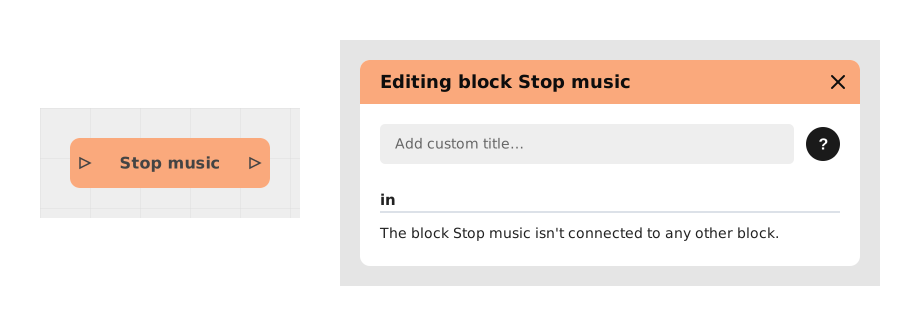
The Stop music block immediately stops any background music currently playing, for example to end an ambient soundtrack before starting a new scene.
Unlike the Play music block which starts a track, this block only interrupts the one currently playing. It has no parameters to configure: it acts on whatever music is currently playing.
📥 Inputs
- No configurable input: this block only takes the incoming flow. As soon as it is reached, it stops the music currently playing, without needing to know which one it is.
📤 Outputs
- out (Flow): The flow continues right after the music stops.
💡 Example of use
Scenario: Switching from a forest ambiance to a battle scene
- The player explores the enchanted forest while ambient music loops in the background (started earlier by a Play music block).
- A monster appears and triggers the battle flow.
- The Stop music block is activated first, before the battle screen is even shown.
- The forest music stops instantly.
- The flow continues, and a new Play music block starts a more intense battle track.
⚙️ Technical Details
- Internal identifier:
stopMusic - Stop scope: Only one background music track can be active at a time in a story, so this block stops it without needing to target it with a label, unlike the Stop sound block which uses a tag to target a specific sound.
- If no music is playing: The block has no effect and produces no error; the flow simply continues to its output.
Documented version: v1
Updated on: 23/09/2026
Thank you!