
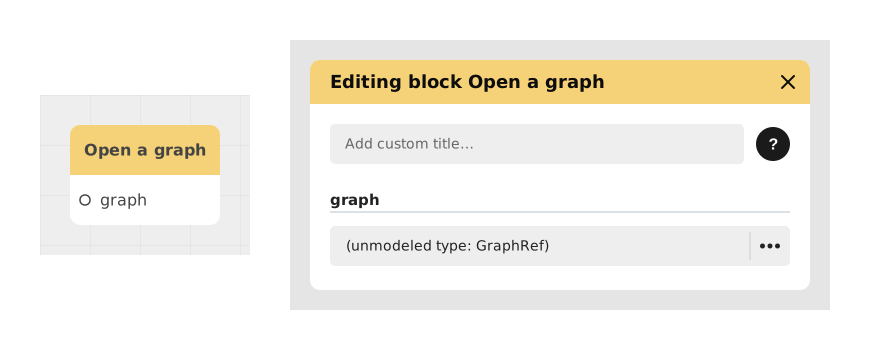
The Open a graph block lets you jump into another graph (another piece of your story or logic) — a bit like opening a different chapter, then coming back later to where you left off.
It's great for keeping your project tidy: instead of one huge, hard-to-read graph, you can split your logic into several smaller graphs and call them from one another with this block.
📥 Entries
- graph (Graph, fixed value): Select the destination graph via the selector. This graph can be a module or an encapsulated logical subpart to be executed.
- Automatic extra inputs: once a valid target graph is selected, this block automatically picks up the inputs defined by that graph (its "Input"/Blackbox input block), so you can feed it the values it needs — much like a function's parameters.
📤 Outings
- Automatic outputs based on the target graph: this block picks up the outputs defined by the selected graph (its "Output"/Blackbox output block), much like a function's return value. Until a valid graph is selected, this block has no outputs at all.
💡 Example of use
Scenario: Organization of a modular quest system
- The player accepts a quest in the main “Main Quests” graph.
- The flow reaches an Open Graph block.
- The target graph “Secret Quest: Flight of the Dragon” is selected.
- Execution switches to this graph, where a series of steps (dialogues, fights) is executed.
- Once the quest is completed, a "Blackbox output" block in the secondary graph returns the flow to the main graph with a completion status.
⚙️ Technical Details
- Working with GraphRef: This block uses graph references (GraphRef) in memory to locate and execute the target graph start block.
- Variable management: It initializes or links the variables necessary for the execution of the secondary graph, ensuring a smooth transition between contexts.
Documented version: v1