Media & code

10 articles

Embed media and custom code.

🐱‍🏍 Import Gifs & Images

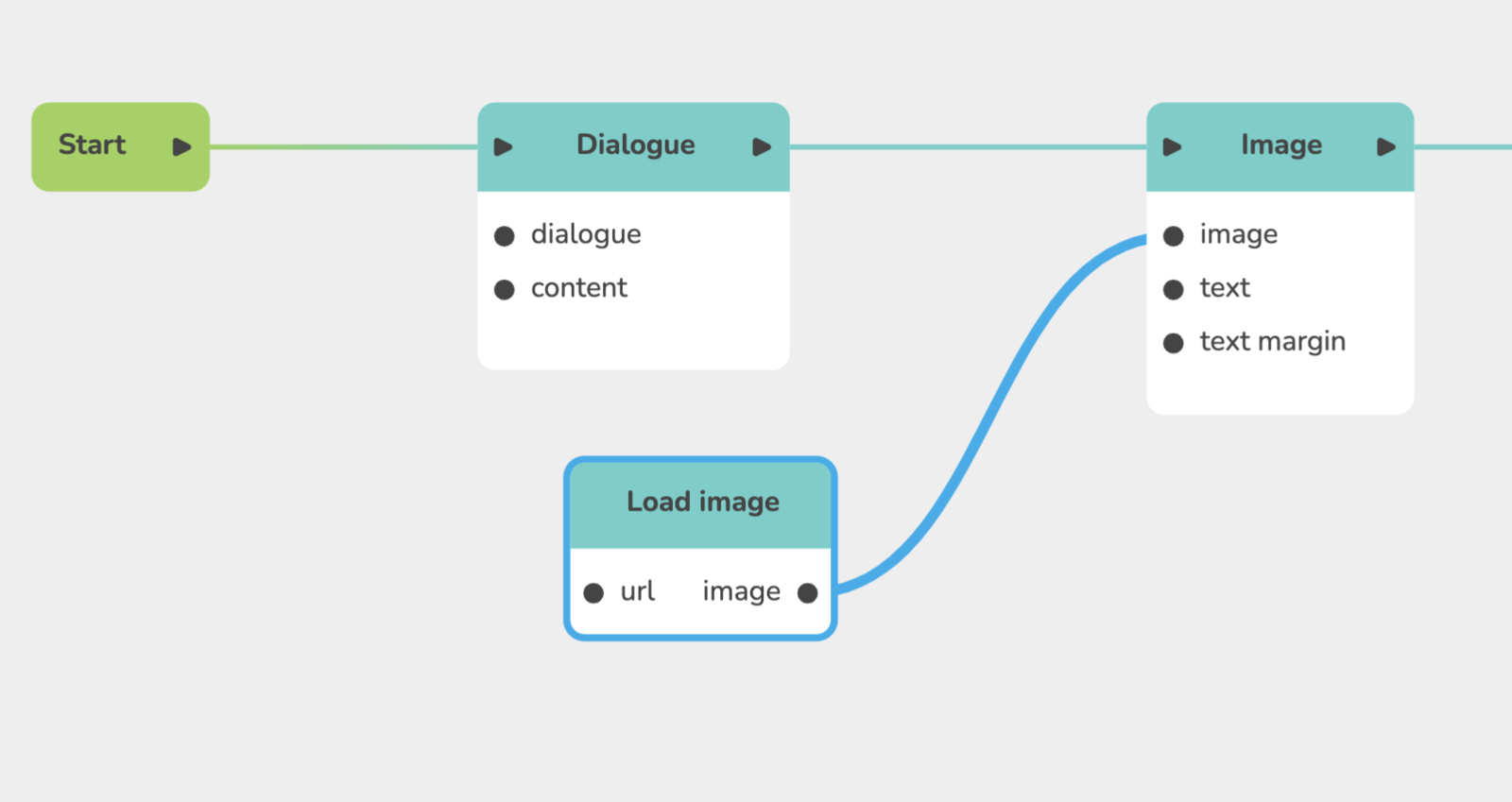
Explains how to import images and GIFs: upload them in Main Menu, Files or load them by URL (Giphy, logos, Airtable photos) with the Load image block, and let the user enter a custom URL stored in a text variable.

🔧 Import JS code

Explains how to create your own block with Run Javascript: add incoming trigger points and outgoing value points, then paste JS code using celestoryPoints.get and celestoryPoints.set, illustrated by a weather service example.

Content Management (Rich Media & Assets)

Explains content management: the rich text editor in narrative blocks (Dialogue, Narrator, Alert, Notification, Choice with dialogue), its formatting options, and how media and assets are handled in the Creator.

Writing an HTML5 page in Celestory

Explains the HTML5 block, where you paste a complete web page (HTML, CSS, JavaScript) shown full screen at that point of the journey. Focuses on the contract: how the page receives values from the graph and hands values back, in three parts.

Styling without writing CSS

Shows where to look before writing CSS in a CSS block: the module's design settings change a colour, a font or rounded corners with the mouse, without breaking on the next deployment. It does not repeat the Module settings (design) article.

Breaking up a big HTML5 app

Presents five patterns for splitting an HTML5 app that no longer fits in a single block, each with a real trade-off. The default and most profitable one is one block per screen; the article follows the Write an HTML5 page article.

The files Celestory accepts, and how to organize them

Describes the project media library opened from the Files menu (Cmd/Ctrl + Shift + E) and the formats it accepts. Images: PNG, JPEG, WEBP, GIF, SVG and ICO/ICNS; sounds are covered too, with advice on organizing files.

Catalogue of Resource Types

Presents the 41 resource types that sit behind every field of a block editing window (an image, a colour, the speaking character, an Airtable base address). Each type decides how the field looks, such as a file picker, colour palette or dropdown.

🎤 Add Voice over, sounds and musics

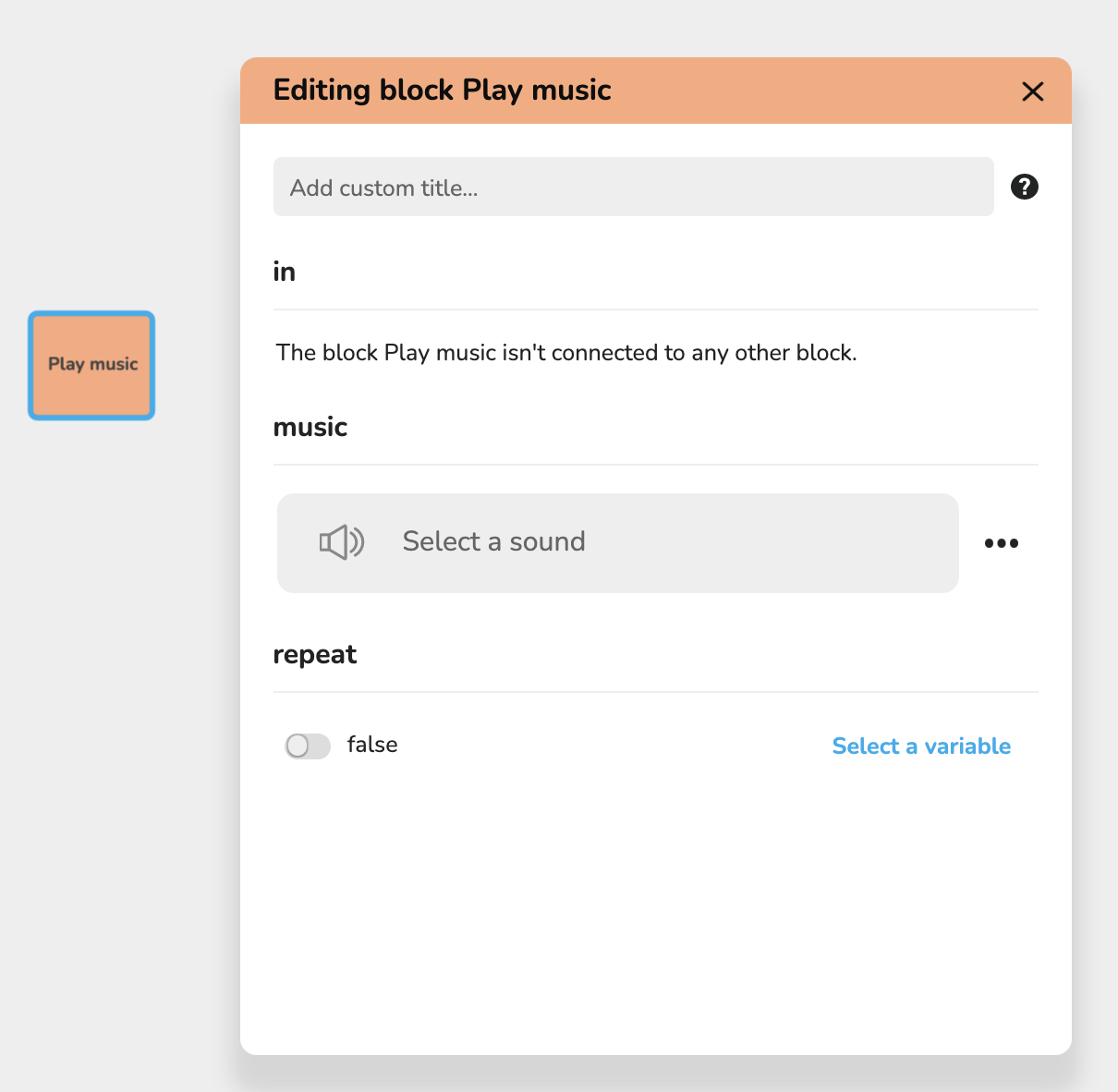
Explains how to add audio: music plays in the background, sounds can be played alone or on top of a music. To launch a music, add the Play music block to the stream and choose the audio from your files. Includes a video example link.

▶️ Embed Youtube

Explains how to embed a video hosted on a streaming service such as Youtube: click Share under the video, then Embed, and copy only the embeddable address found in the iframe code, then use it in Celestory.