Backgrounds, scenes and on-screen characters.
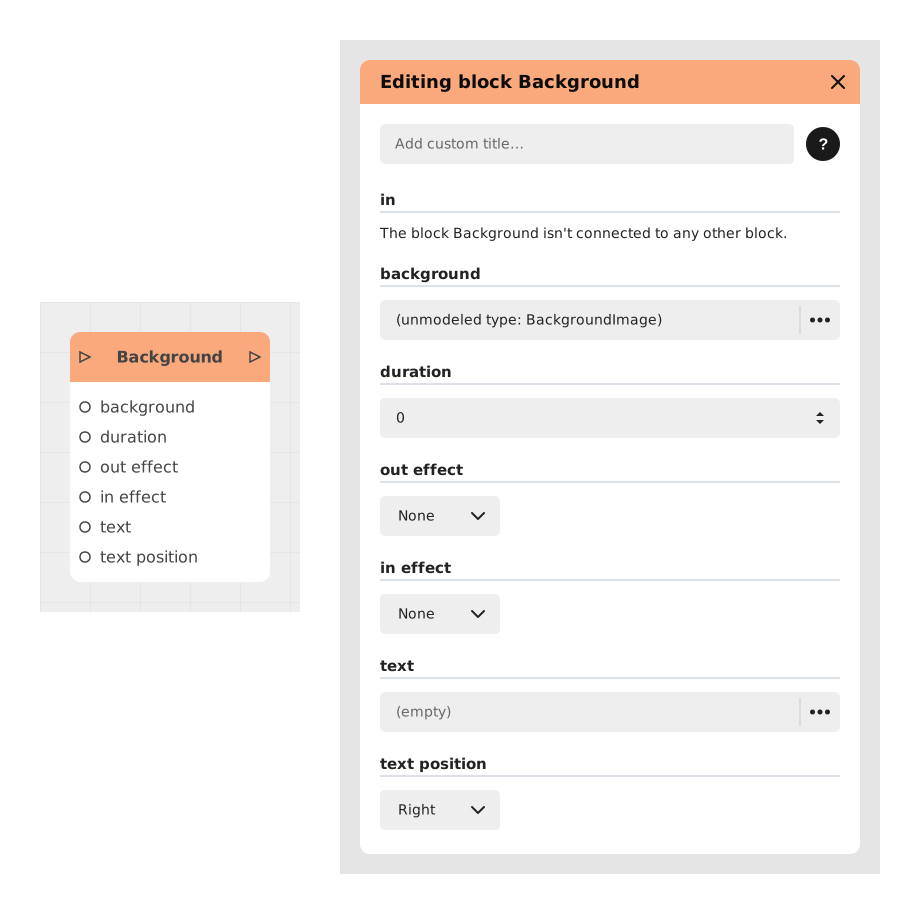
Explains the Background block, which dynamically changes the visual background of an app or story with an image, solid color or text, using customizable transition effects. Useful for adapting the ambiance to the narrative context.
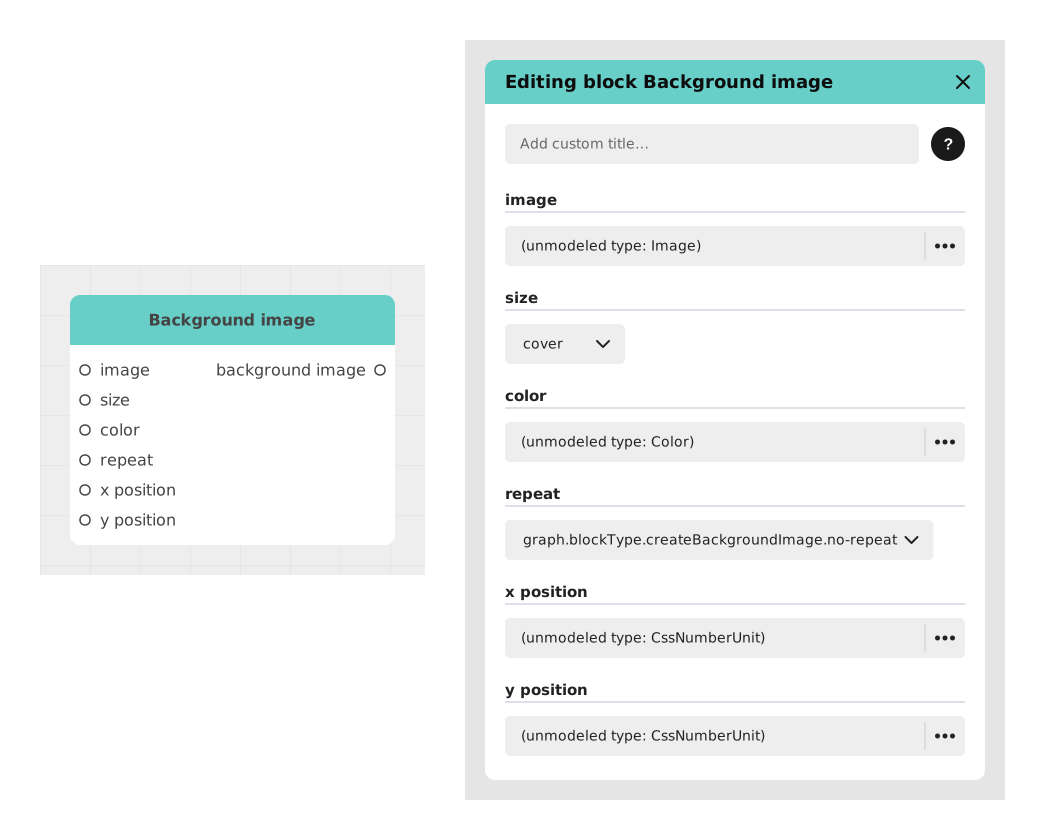
Explains the Background image block, which prepares an image as a background: how it fits the screen, whether it repeats as a pattern, and where it sits. It displays nothing itself; its output is plugged into the Switch Background block.
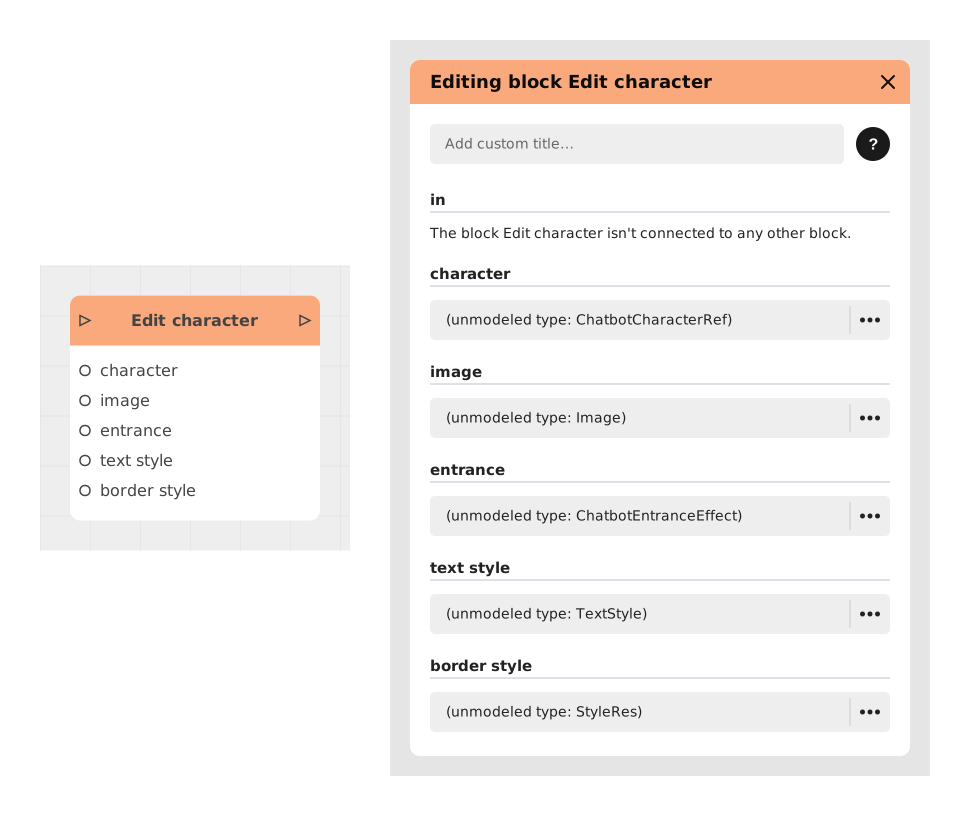
Explains the Edit character block, which updates a character's attributes and visuals during execution (for example in a chatbot) without recreating it. Useful to reflect a change of state, such as Happy Bob becoming Sad Bob.
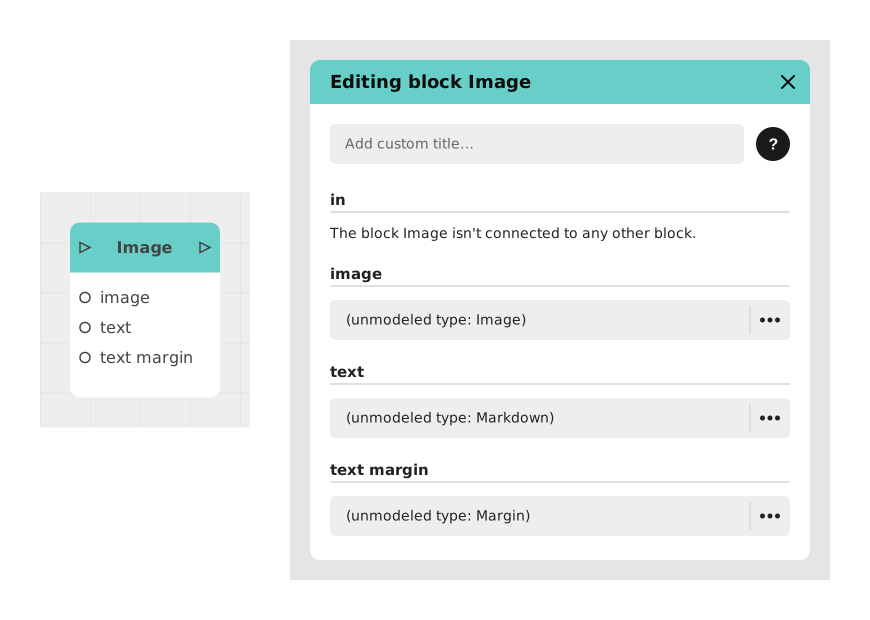
Explains the Image block, which displays a simple image in the flow of an application or chatbot, usually with an optional Markdown caption. Useful to illustrate an object, a photo or an illustration for the user.
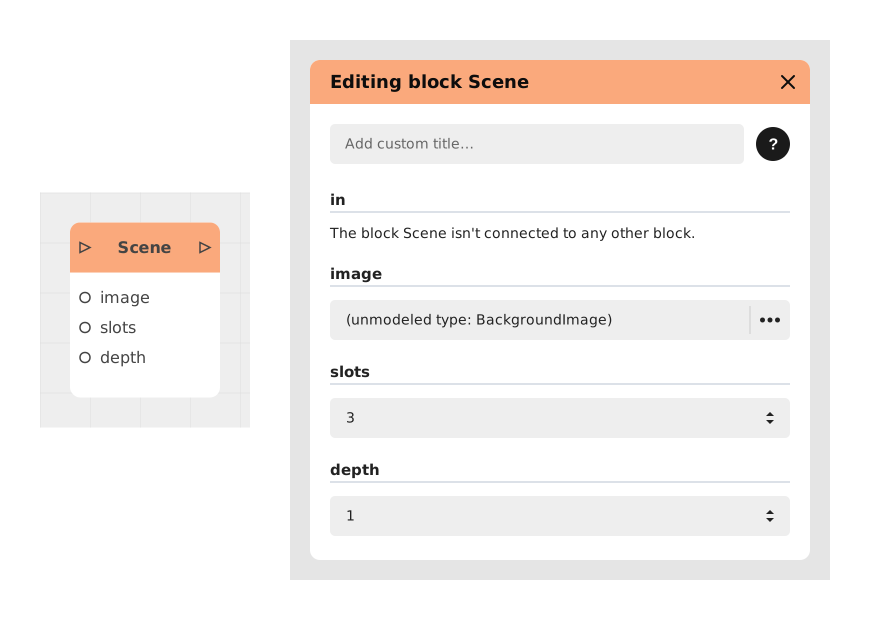
Explains the Scene block, which sets up the backdrop of a Visual Novel moment: a background image, a number of slots for placing characters and a number of layers for depth, gathered in one place for consistency.
Presents the Add character block, which brings a character onto a Visual Novel stage with an entrance animation. Inputs: in, character, mood, slot and depth; output: out. Move, Change mood, Flip and Remove character need it first.
Presents the Change mood block, which crossfades a character already on screen to another mood image declared in the module settings (Characters tab). Inputs: in, character, mood, duration (default 0.4); output: out.
Presents the Flip character block, which mirrors a character horizontally, as a toggle (two passes restore the orientation). Inputs: in, character, duration (default 0.4); output: out. Example: a character turns away.
Explains the Move character block, which slides a character already on screen to another slot and/or depth layer of the grid declared by the Scene block. You give a slot number and a depth number, not pixel coordinates, and the size adjusts with depth.
Explains the Remove character block, which takes a character currently on screen off the stage with an exit animation. It frees the slot the character occupied in the Scene block grid; the flow resumes once the exit is over.
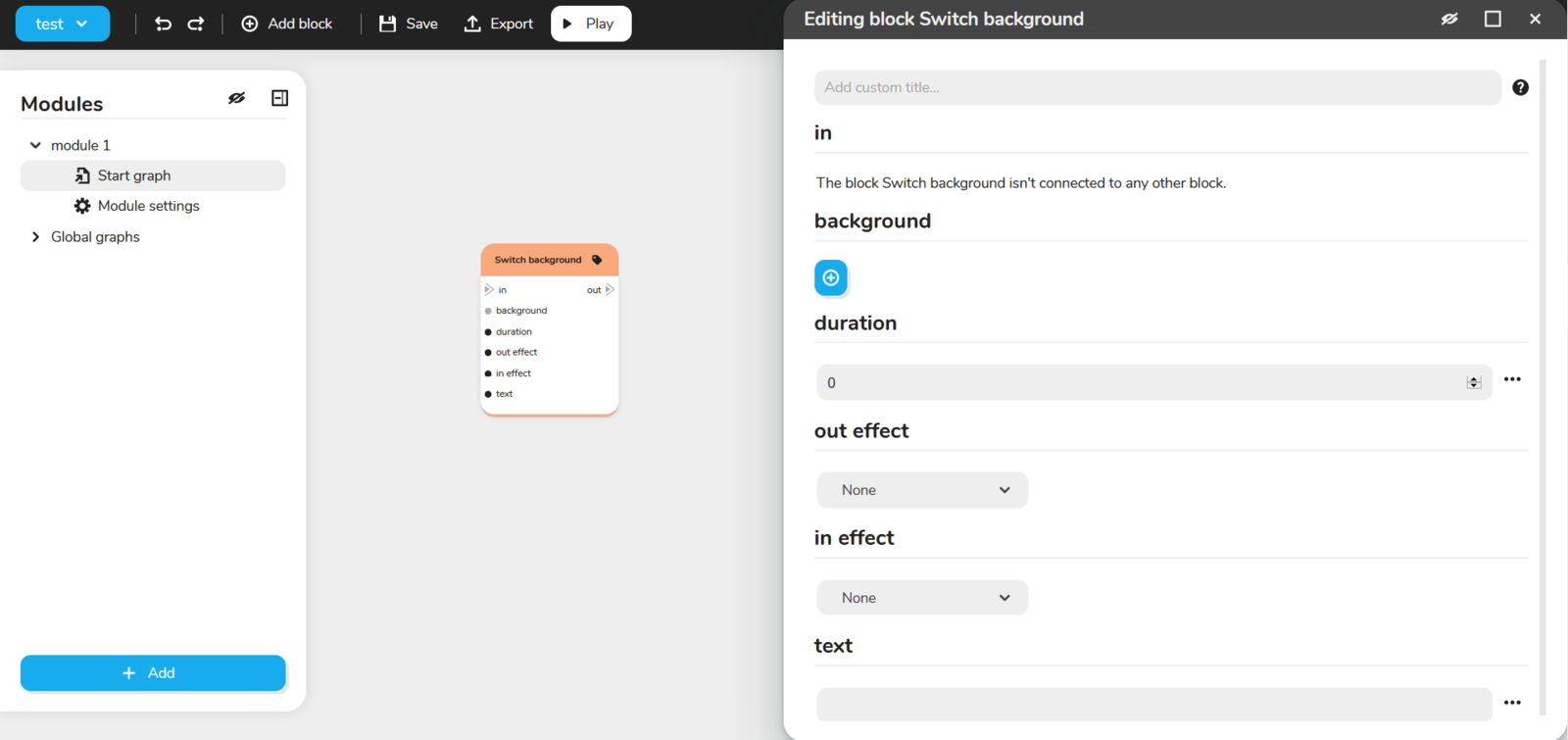
Describes the Switch background block, which changes the background of the module using another image from the Resources. It can act on several parameters, for example the position, the size, the colour of the rest of the screen or the image description.