Conditions, branches, loops and random paths to drive the story.
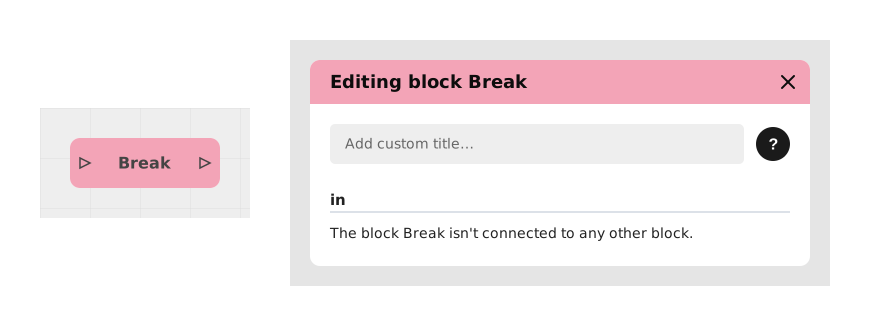
Explains the Break block, which makes a tiny pause, invisible to the player, inside a loop. Without it, a very fast and long loop can fill the application's memory and crash it; the pause lets the app catch its breath.
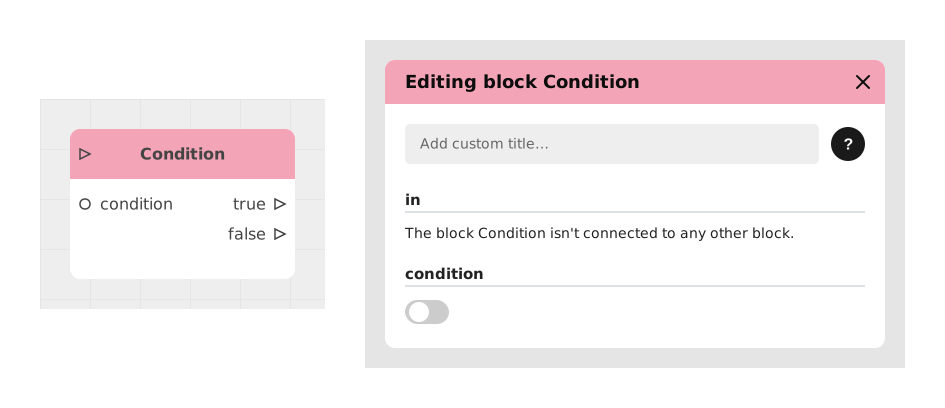
Explains the Condition block, which asks a closed true or false question and sends the flow down the true or false branch. It is used for choice mechanics, condition checks and dynamic branching.
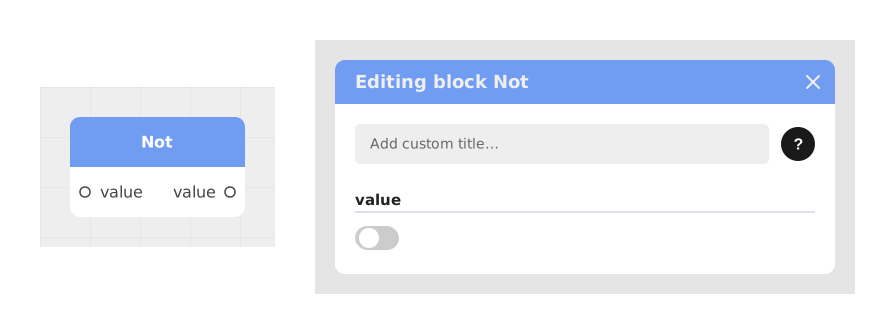
Explains the Not block, which flips a Boolean value: True becomes False and False becomes True. Useful to trigger something only when a condition is not true; the value is its input and its inverted output.
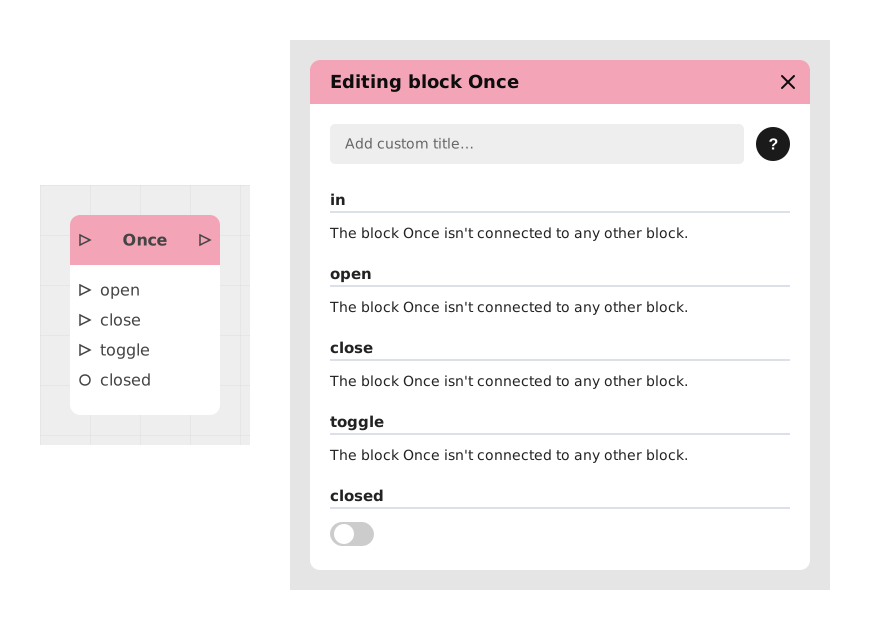
Explains the Once block, which lets a flow through only once, then closes itself and blocks later signals, like a single-use lock. Dedicated inputs reopen or close it manually; it prevents unwanted repetitions such as a trap triggering twice.
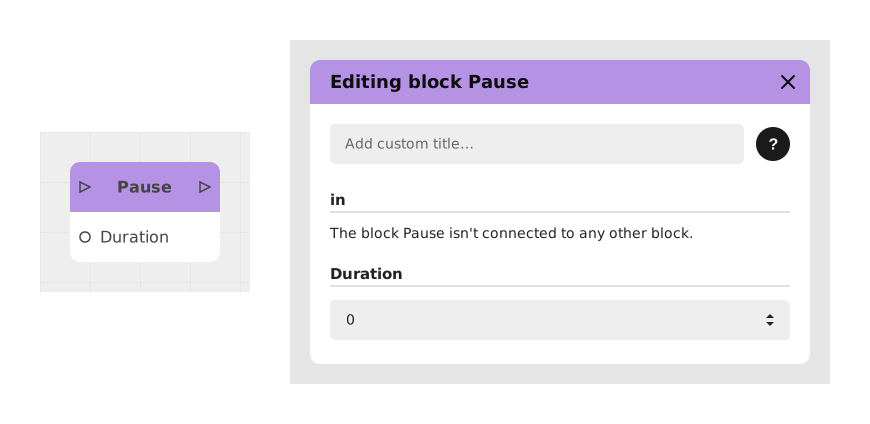
Explains the Pause block, which pauses the flow for a defined duration before continuing. Useful to give the user time to read, create suspense or synchronize animations; inputs are the flow and the duration.
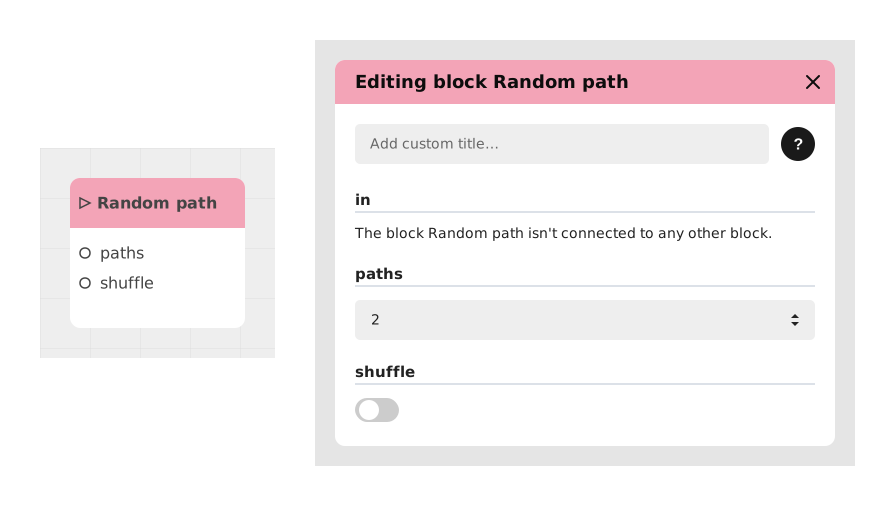
Explains the Random path block, which picks one of the prepared paths of the story at random, so the same spot does not always play out the same way. Useful for an encounter, a reward or an obstacle; the flow triggers the draw.
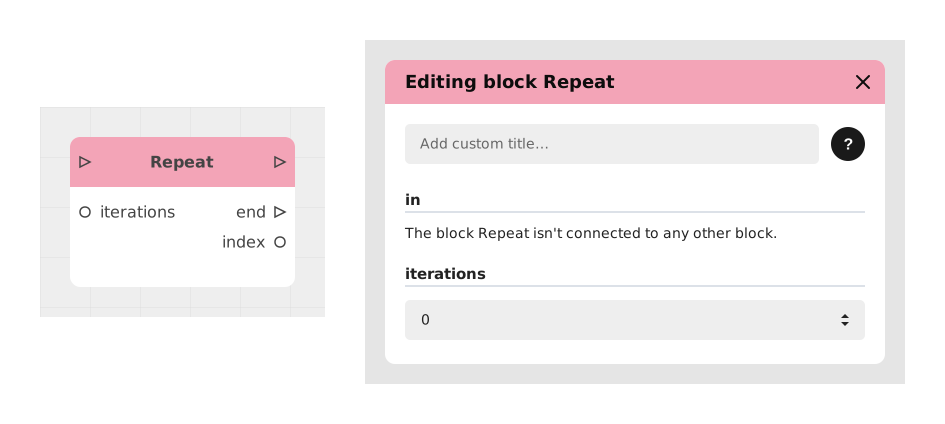
Explains the Repeat block, which repeats an action or flow a set number of times, like a for loop. It avoids duplicating nodes manually, for example to generate visual elements or make several network calls; iterations is its input.
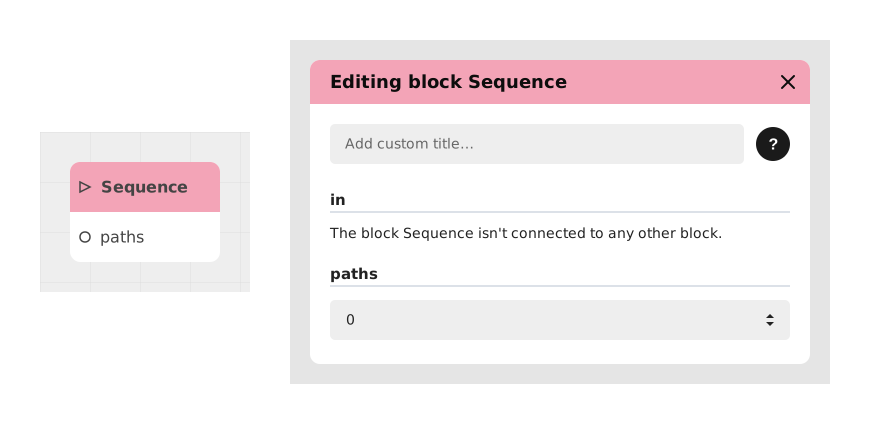
Explains the Sequence block, which distributes a flow to several outputs one after another and cyclically: each activation fires the next output, then restarts at the first. Useful for evolving dialogues, action cycles or task rotations.
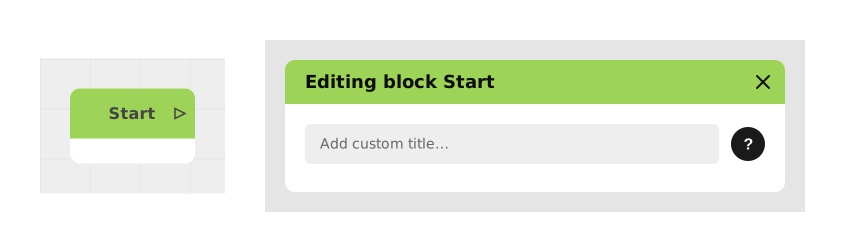
Explains the Start block, which defines the launch point of any Graph, Scenario or Module. Each module has exactly one Start block, which has no configurable input, is necessary and can only start when activated.
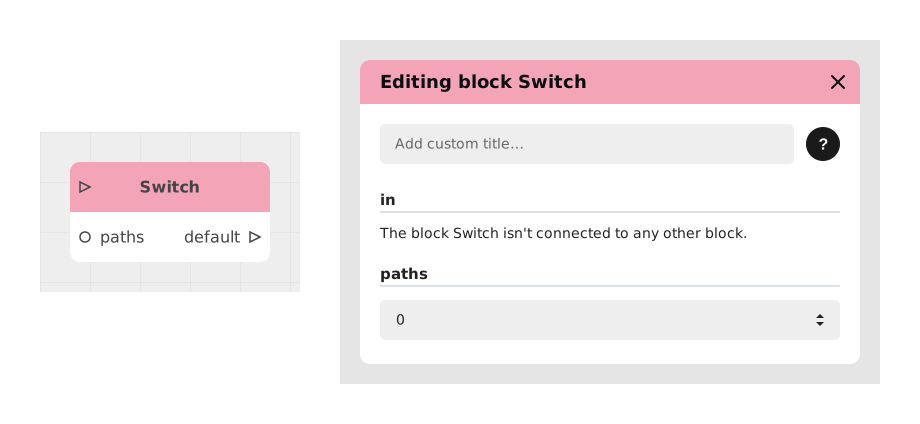
Explains the Switch block, which checks several conditions and routes the flow to the first branch whose condition is true, avoiding stacked Condition blocks. Checks run in numeric order; suited to mutually exclusive cases.
Presents the No / Invert block, which inverts a Boolean value for negative logic conditions. Input: value; output: inverted value. Example: block access to a secure area when the aBadge variable is False.
Describes the Input and Output blocks, the two terminals of a blackbox that define its signature, like a function's parameters and return value. They come as a pair and exist only in the Blackbox editor, not in Chatbot, Visual Novel or Draft graphs.