Build a story or learning path from start to finish.
Presents the Visual Novel template, chosen when creating a module: scene split into slots, characters with dialogue images and moods, specific blocks to animate characters, delays on actions, and animated skeleton support.
Explains how to build an interactive video with Video choice blocks: design the scenario in the graph, import your videos, add conditions, show variables with an HUD and subtitles with the Notification block, and loop back.
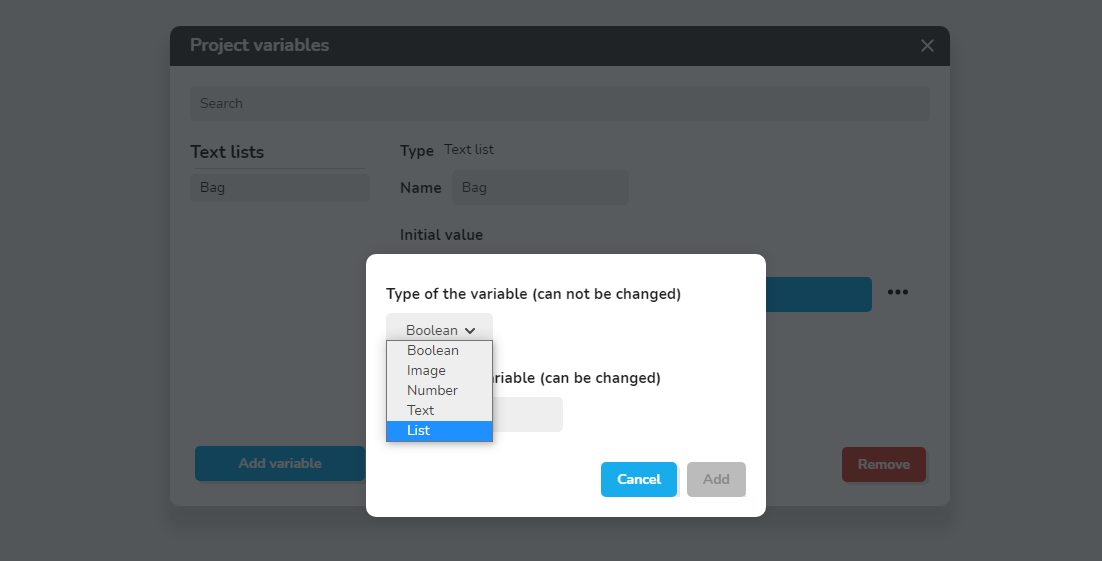
Explains inventories built with List variables, which hold several values of one type. Blocks to add to a list, Retrieve from a list (by index) and List contains (one block per value checked) manage the content.
Explains how to design an adaptative learning path with the example Adaptative path, comparing a linear path with proficiency levels (Beginner, Learning, Knowledge, Expert) and the many paths that result.
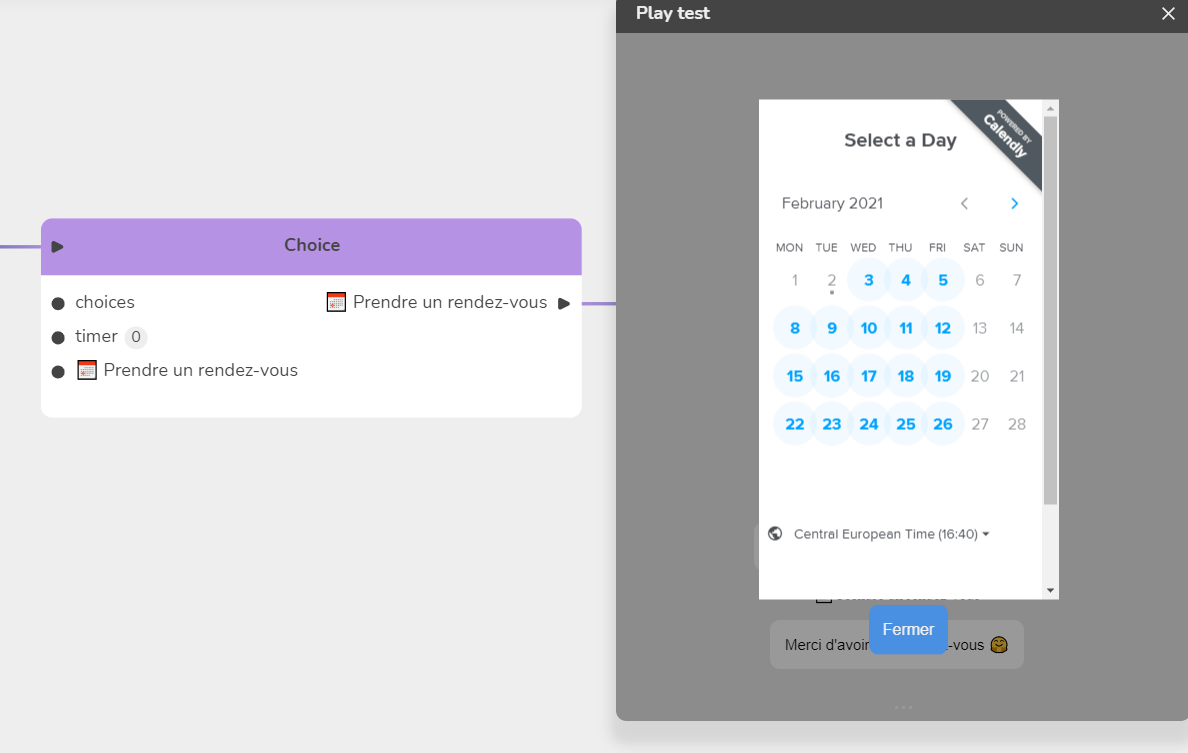
Shows how to book an appointment, for example with a Calendly reservation, using an overlay menu created in Module Settings/Menus that pauses the experience. It contains a Web page item that embeds the booking page, then a Close overlay item.
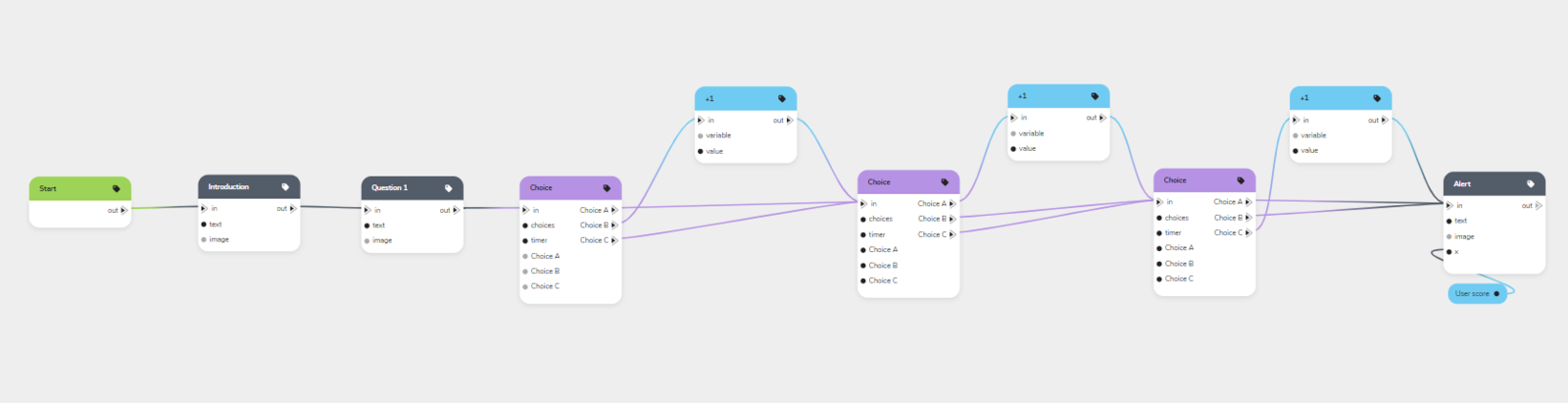
Explains how to build quizzes and mini-games for exams, simulations, training or self-assessment. Covers multiple attempts with numeric variables and conditions, predefined or random question order with the Random Path block, and a timer per question with the Choice block.
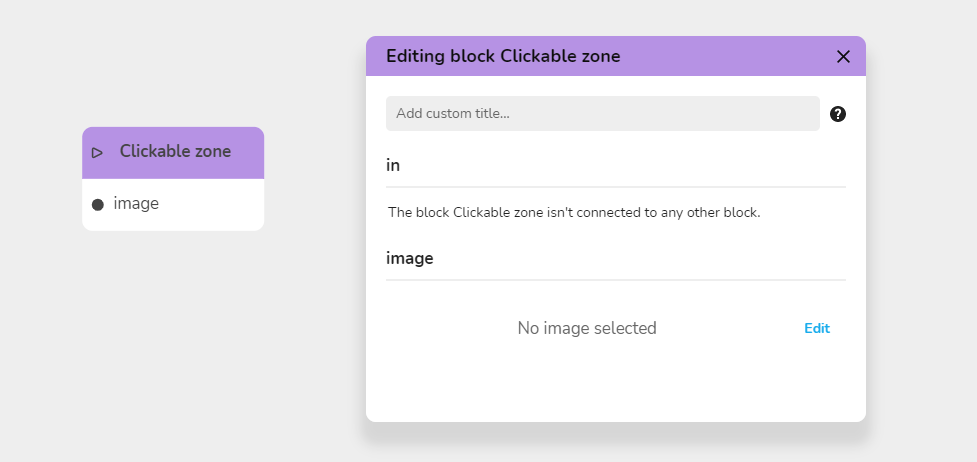
Shows how to build an interactive presentation with the Clickable zone block: Edit in the Image area opens the Image Resource Editing window, you choose an image from My Files and use Add a choice for each zone. Save with Modify the Resource, not by closing.
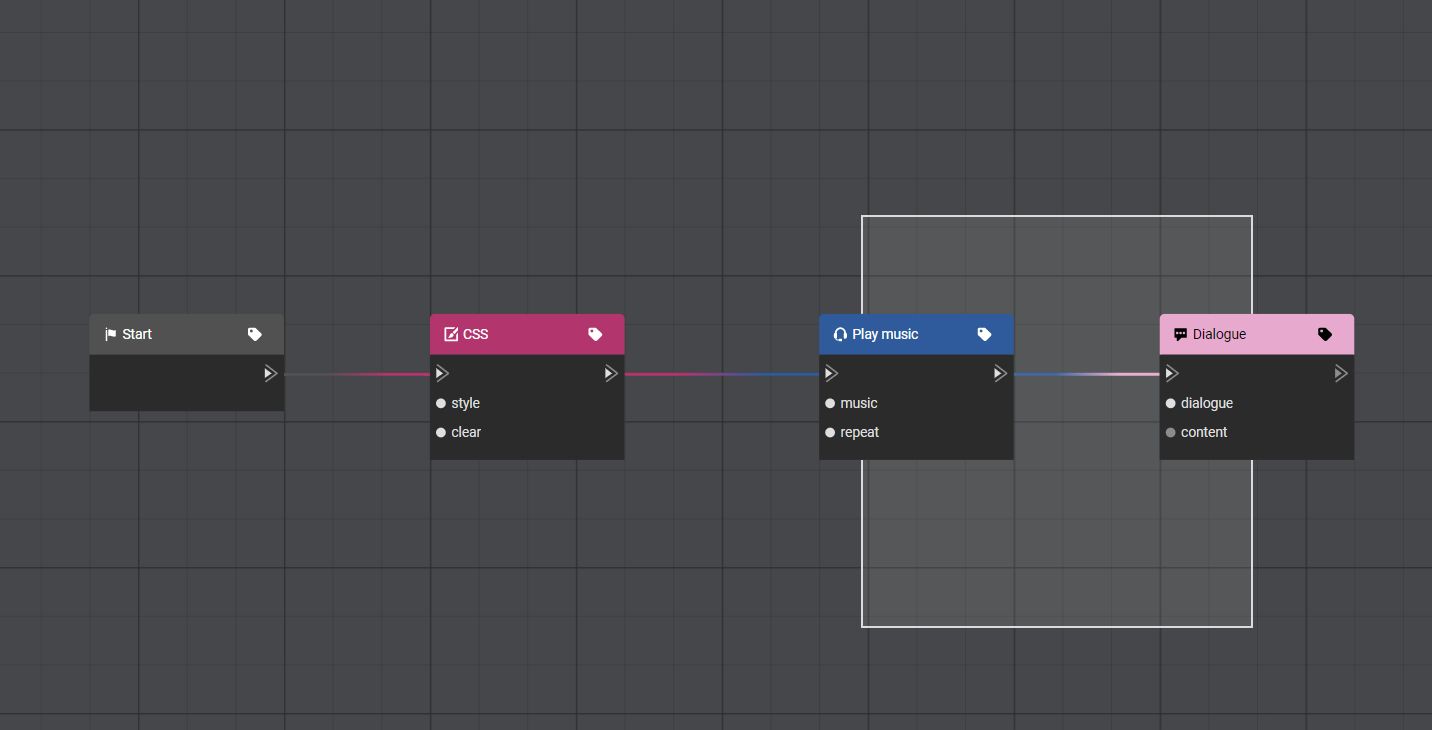
Explains navigation in the graph: hold shift and drag with the left mouse button to draw a selection frame around several blocks. You can then move, copy/paste or delete the selection, and a right-click menu offers options specific to grouped blocks.
Explains how to check whether a Text variable matches another chain of characters, with the associated condition. Recalls the value of each variable type (Boolean, Number, Text), then shows how to create and test Text variables from an example.
Explains why a full-screen background takes three chained blocks: one that fetches the image, one that prepares how it fits the screen, and one flow block that threads into the story. The first two are value blocks that plug into an input.