Offer choices to the player and change them during play.
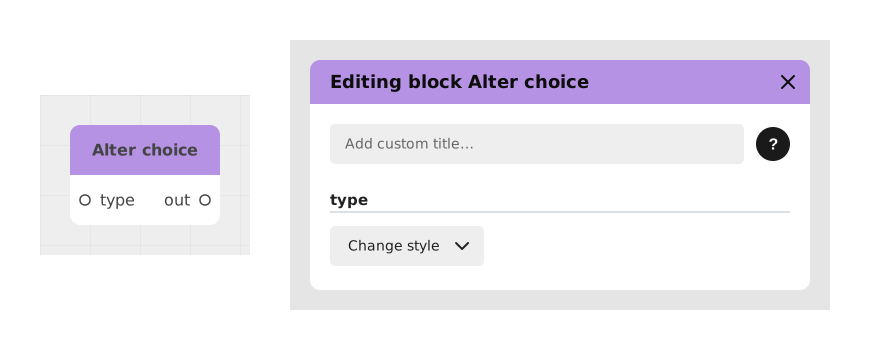
Explains the Alter choice block, which dynamically changes the response options (buttons) of a Choice block in real time. It plugs into an option of a Choice block, for example to disable an option depending on the game state.
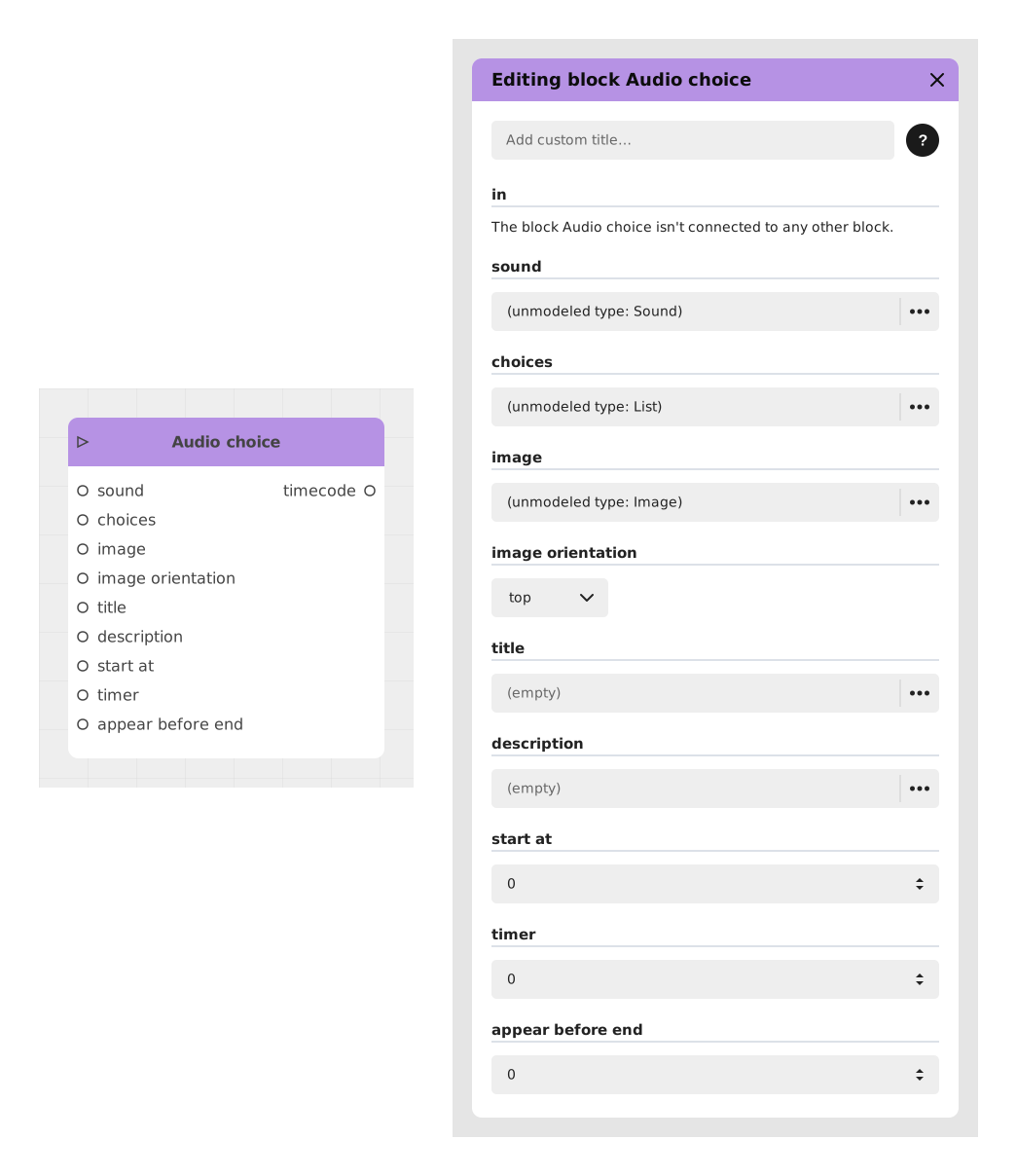
Explains the Audio choice block, which plays an audio clip, optionally with an image, and offers the player a list of text choices. It pauses the experience until the player picks, typically to let a character say something.
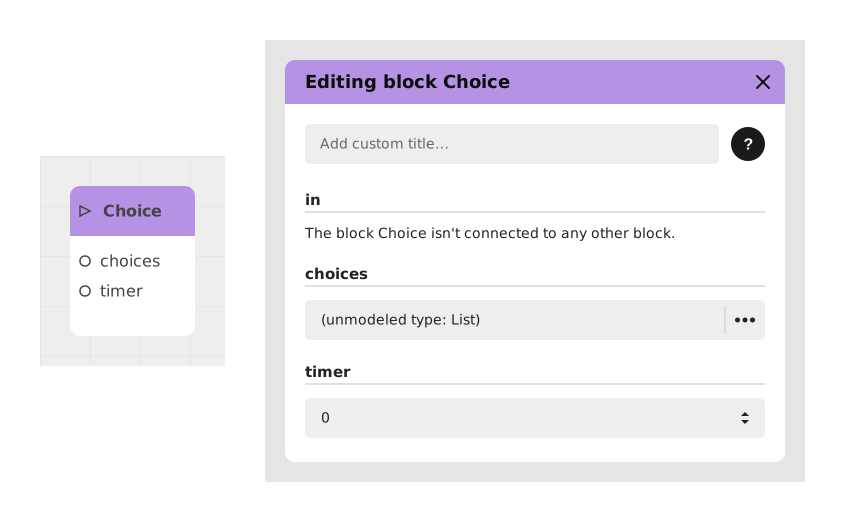
Explains the Choice block, which pauses the experience and shows buttons so the user decides. The flow then follows the clicked button, creating narrative or functional branches such as dialogs, action menus or confirmations.
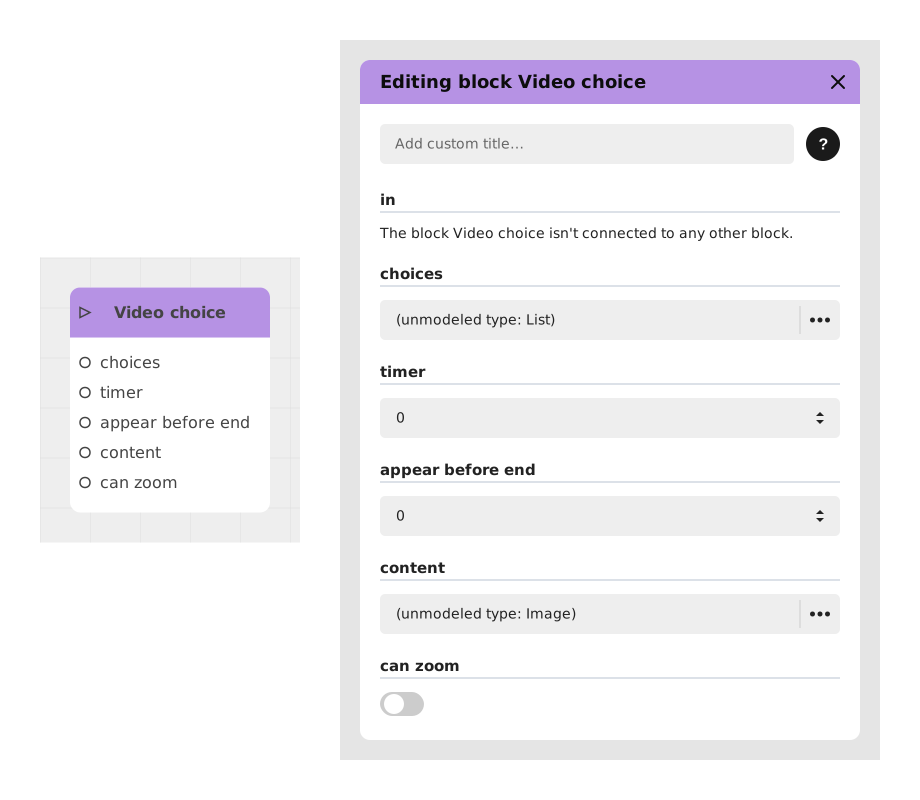
Explains the Video choice block, which shows the player a set of choices overlaid on a playing video, typically in the Chatbot and Visual Novel templates. Inputs include the choices list and an optional countdown timer (default 0).
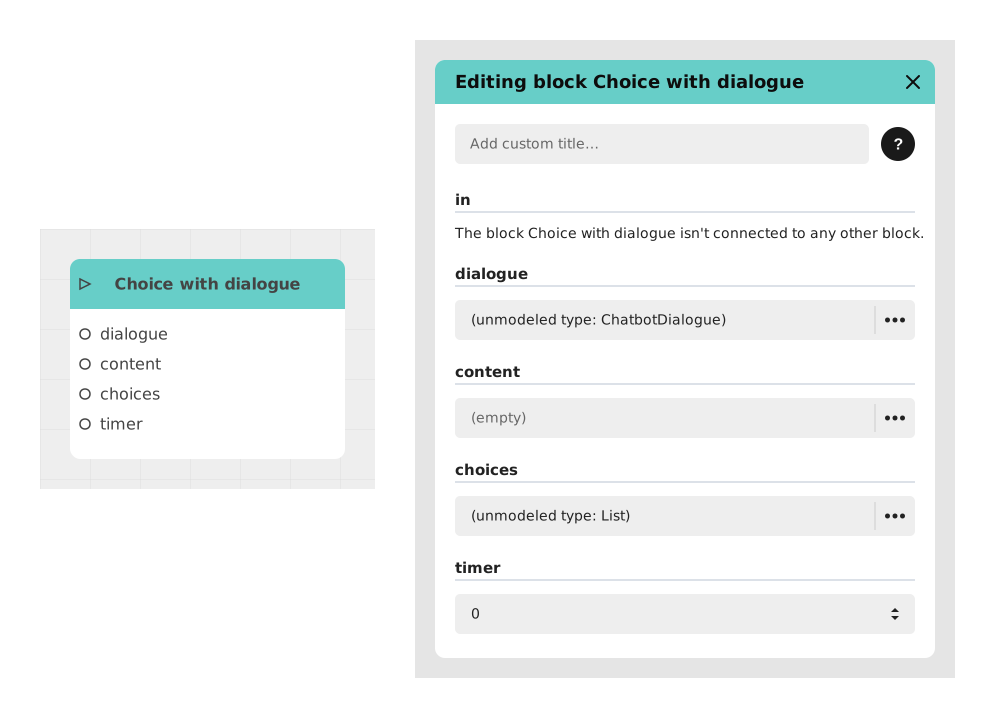
Presents the Choice with dialogue block, a merge of Dialogue and Choice reserved for Chatbot Template projects. Inputs: in, dialogue, content, {{Variables}}, choices; the character speaks, then the player picks an option.
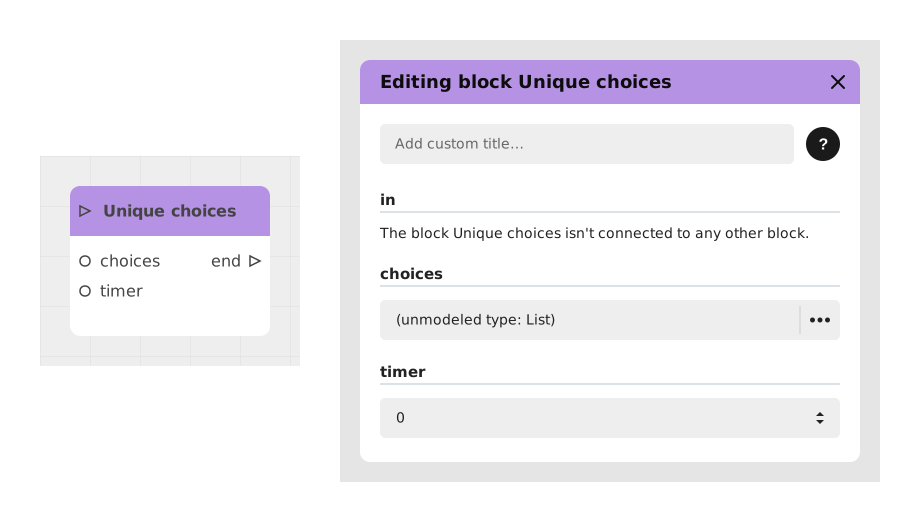
Presents the Unique choices block, which works like Choice but removes options already picked on earlier passes, useful for NPC dialogues. Inputs: in, choices, optional timer; once all are used, it continues by the end output.