
Example link:
https://creator.celestory.io/project/SHM1kxJav
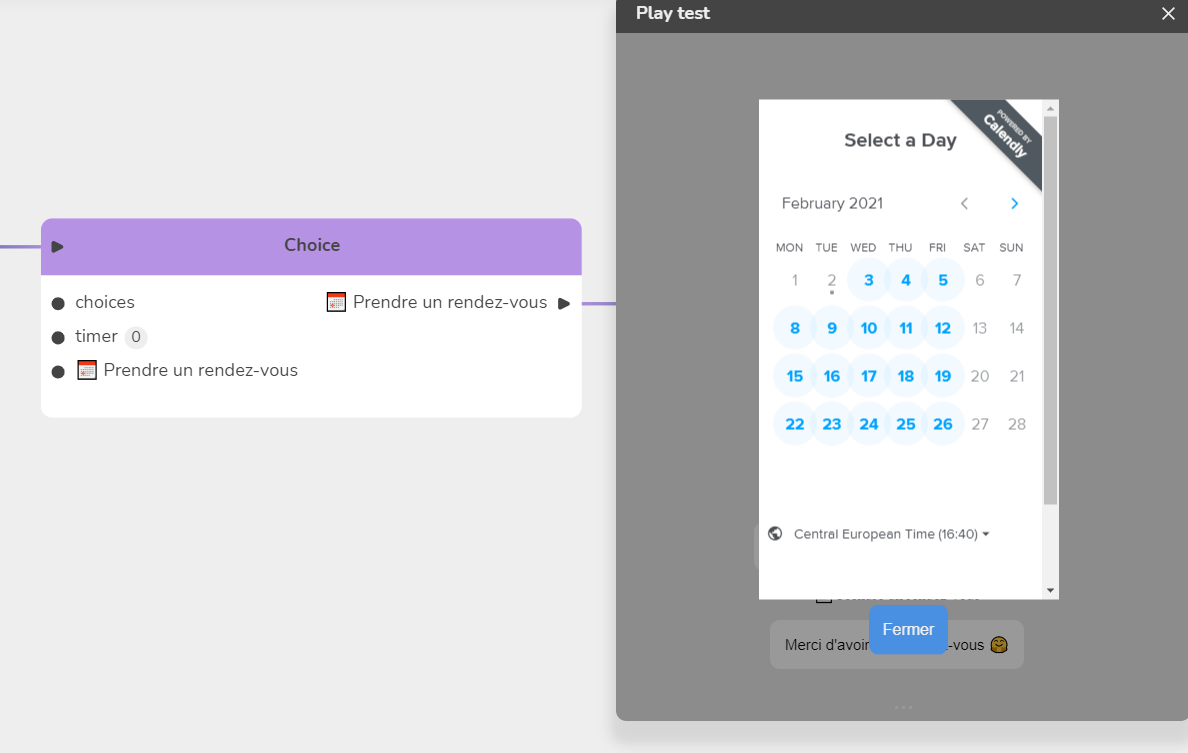
Here we will show how an appointment can be made using the overlay menu to display a Calendly reservation for example.
- Create in Module Settings/Menus an "overlay" menu, it is to say a menu overlay that will pause the experience.
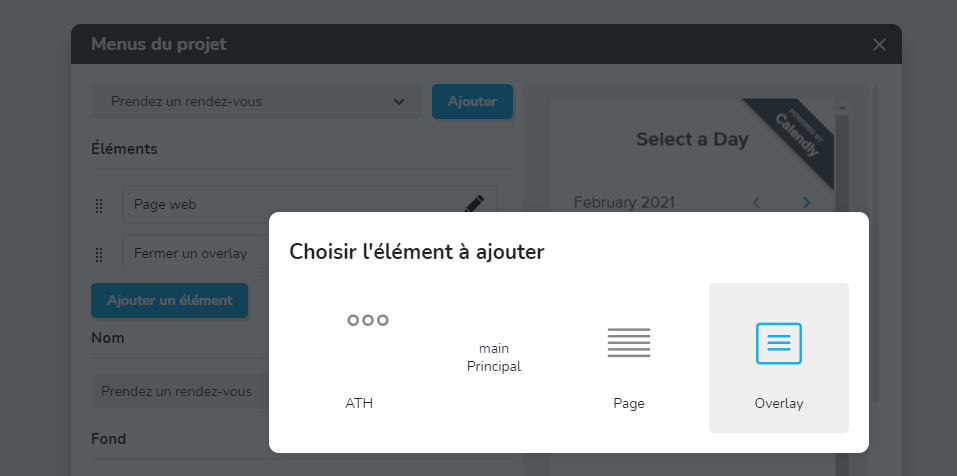
-
In this menu, create a "Web page" item, which will display another web page in an integrated way (embedded) then a "Close overlay" item which will allow you to go back to the experience.
-
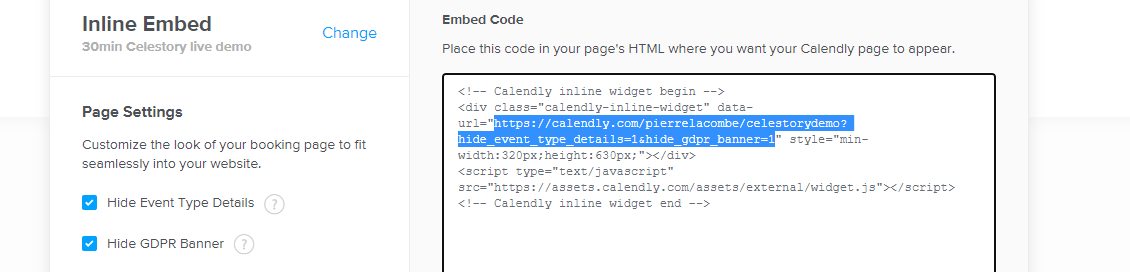
Click on 🖊 Edit the overlay element, then paste the Calendly embeded url.
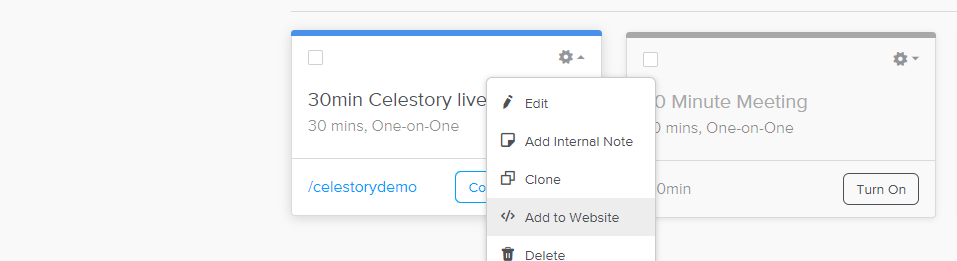
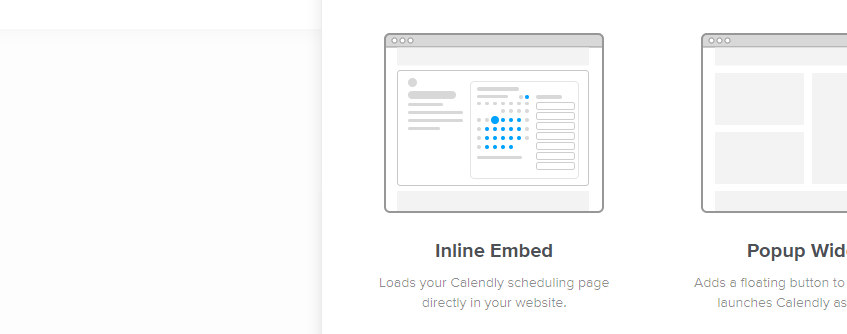
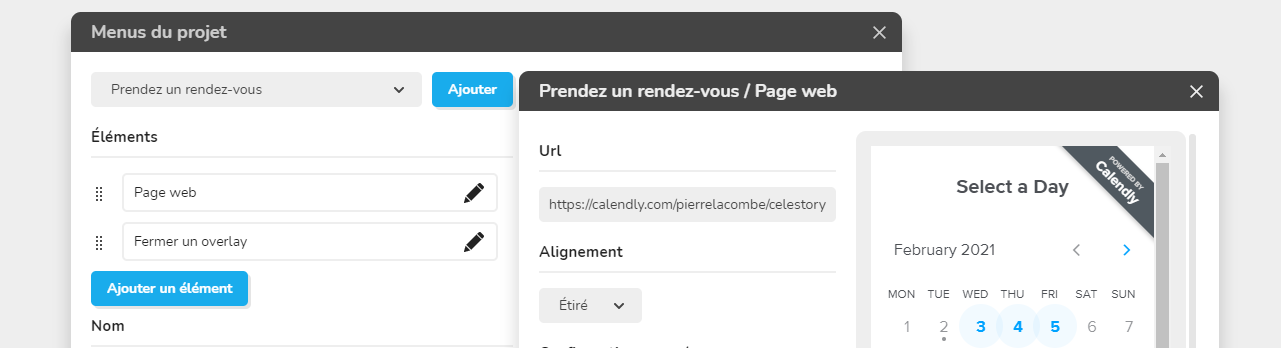
- Determine a width further down in the element edit window and a minimum height for your web page.
That's how the user will book an appointment will be able to do it directly without leaving the app.