Connect external services and run code.
Explains the AI image request block, which turns a text prompt into a generated image through fal.ai models. Useful for avatars, scenery or magical objects without pre-existing graphics; the prompt is its main input.
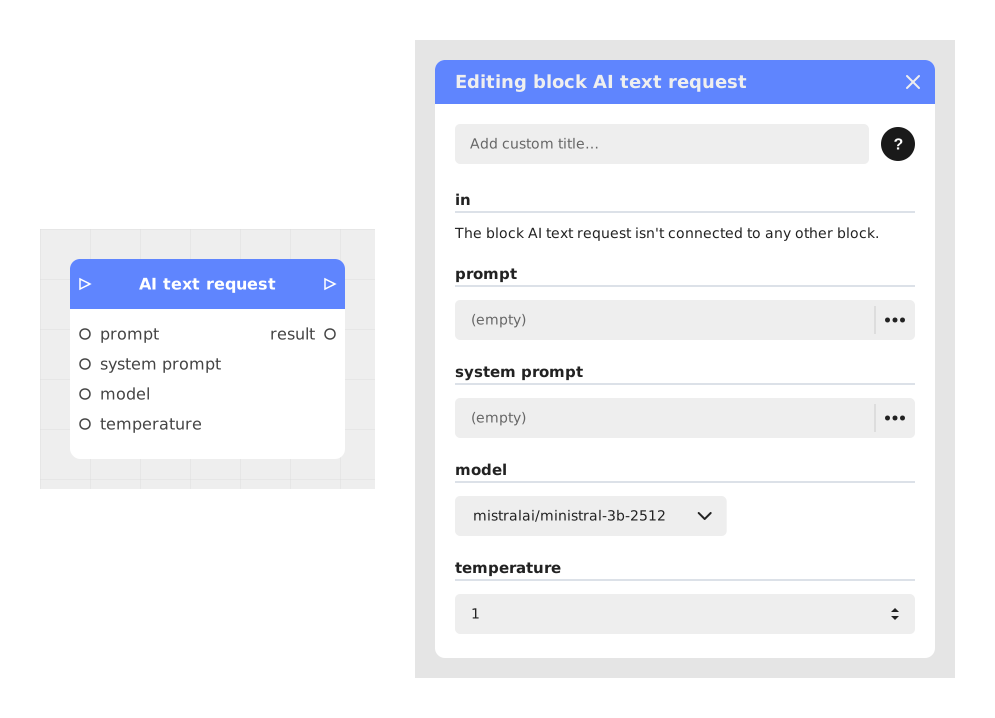
Explains the AI text request block, which sends a prompt and an optional system prompt to a text AI model (LLM) and returns a response. It keeps no conversation history: each call starts from scratch.
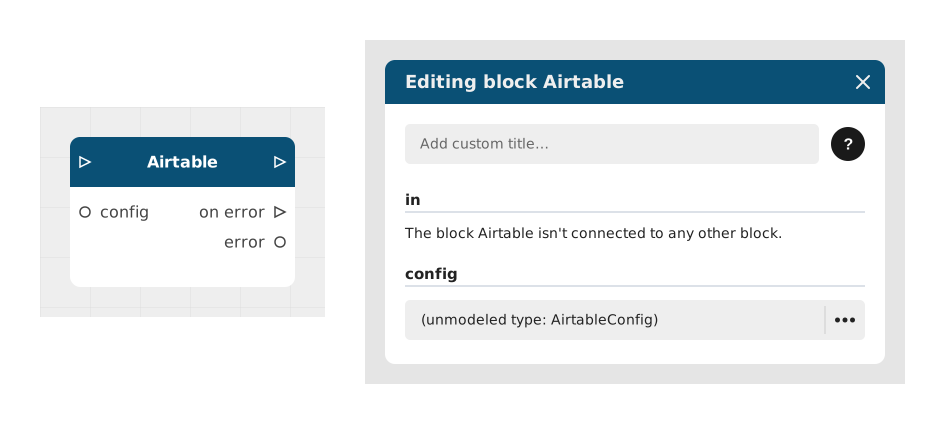
Explains the Airtable block, which connects a Celestory project to an Airtable database to create, read, modify or delete rows (CRUD). Useful for scores, inventories or contact lists kept in an online spreadsheet.
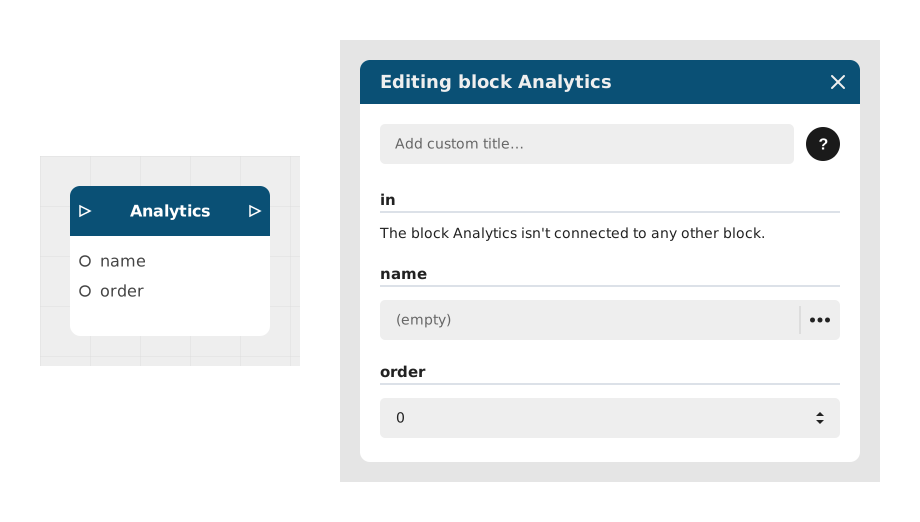
Explains the Analytics block, which records an invisible event in Celestory statistics to track user behavior. Useful for following a conversion funnel, spotting drop-off points or measuring engagement.
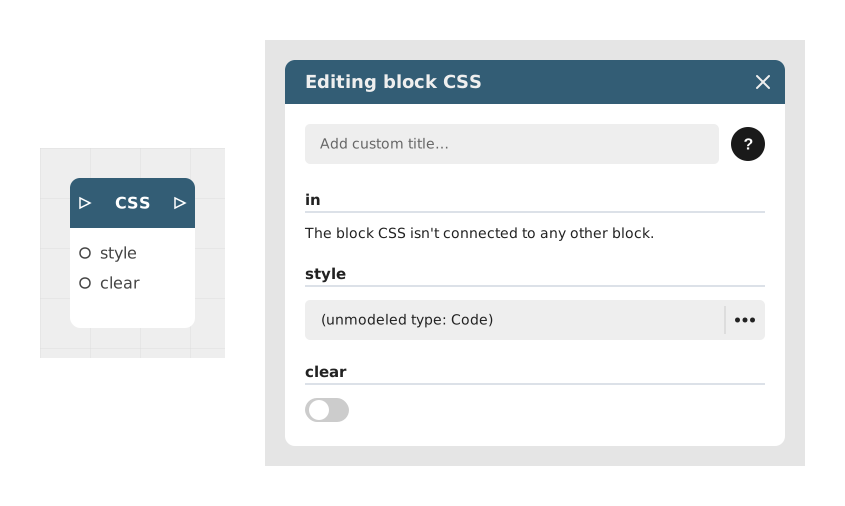
Explains the CSS block, which lets you write style code directly in a Celestory project to go beyond the built-in visual settings (rounded corners, shadows, animations). It is aimed mainly at users comfortable with CSS.
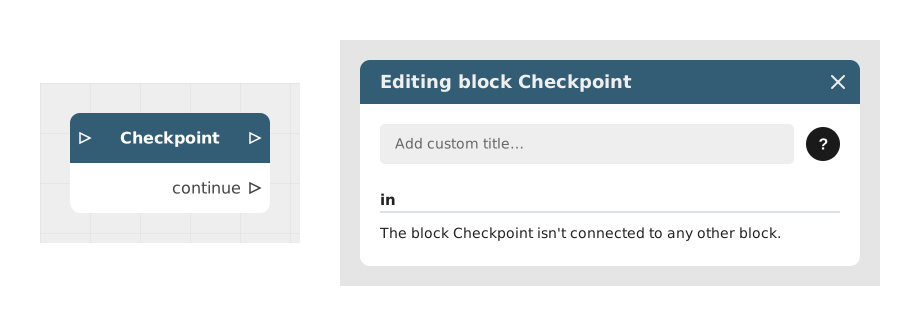
Explains the Checkpoint block, which saves the player's position in the story and their variables at that moment. The data is stored on the device, so the player can return later and resume, even without an internet connection.
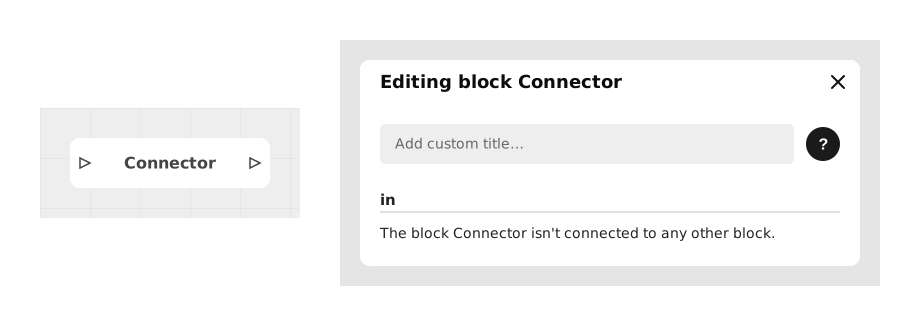
Explains the Connector block, which merges several paths of a graph into a common flow or tidies the graph by avoiding tangled connections. It acts as a junction point to group logical branches and ease reading of complex flows.
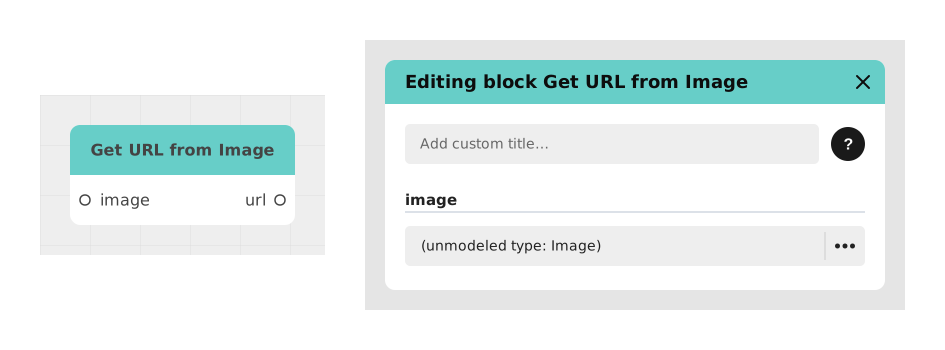
Explains the Get URL from Image block, which extracts the text URL of an Image Resource object from Celestory. Useful to pass an image to third-party services (APIs, webhooks, databases) that need a text URL; the image is its input.
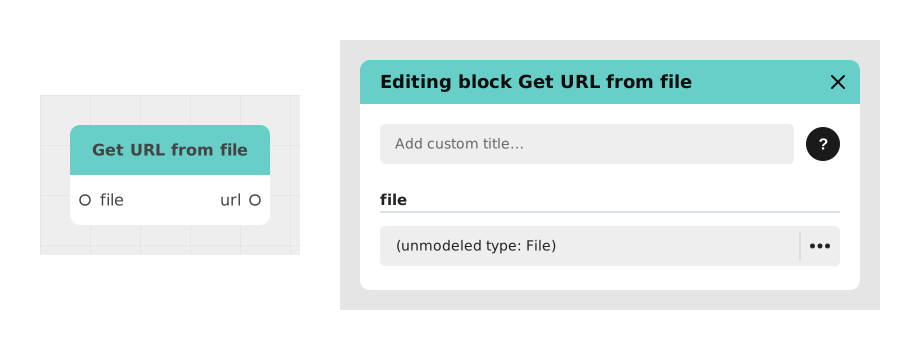
Explains the Get URL from file block, which converts a File object managed by Celestory into a text URL. Useful to share documents with third-party services or embed links in emails or APIs; the file is its input.
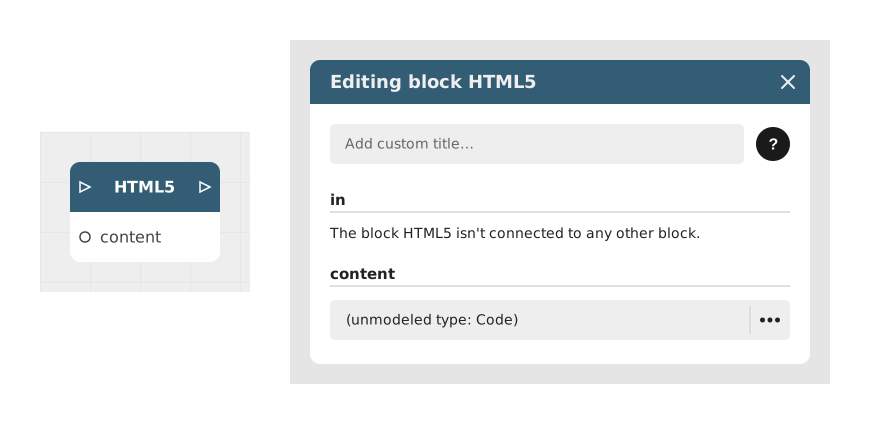
Explains the HTML5 block, which integrates and displays custom HTML code in a Celestory application, with dynamic variables and custom outputs. It is reserved for Business subscriptions.
Explains the HTTP Request block, which calls an external web service with an API directly, without a ready-made integration like Airtable, Baserow or Zapier. It supports the GET, POST, PUT, DELETE and PATCH methods.
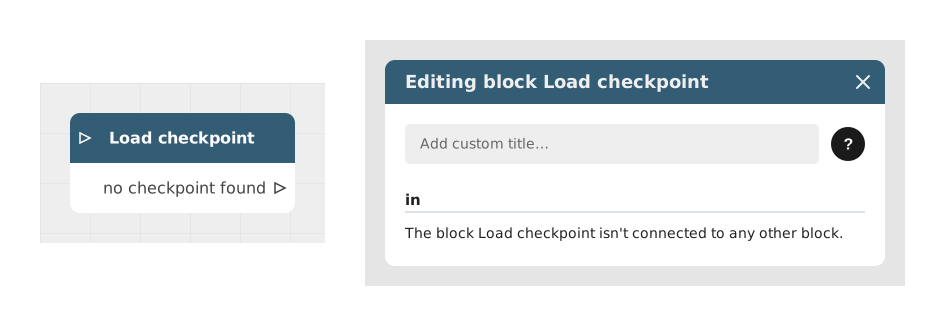
Explains the Load checkpoint block, which restores the user's progress from a previously saved checkpoint. It has no configurable input and searches for the last valid backup of the current user, so they resume where they left off.
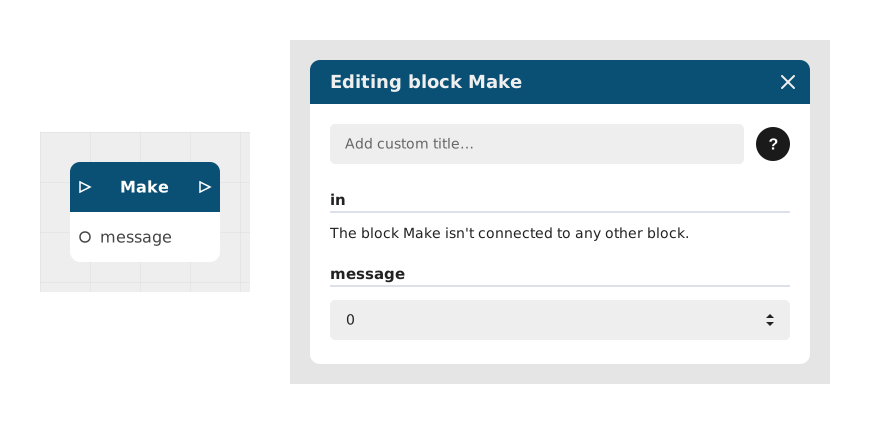
Explains the Make block, which sends data (text, number or Boolean) from a Celestory app to a Make scenario through a pre-configured Make URL (webhook). It connects Celestory to apps such as Google Sheets, email or Slack.
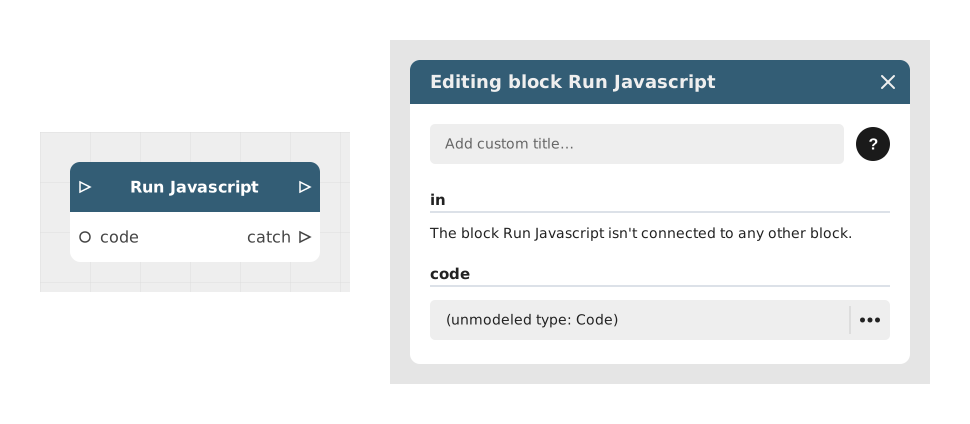
Explains the Run Javascript block, which executes a custom JavaScript script within a Celestory module to manipulate data, run complex calculations or implement advanced algorithms, while staying integrated with the graph variables.
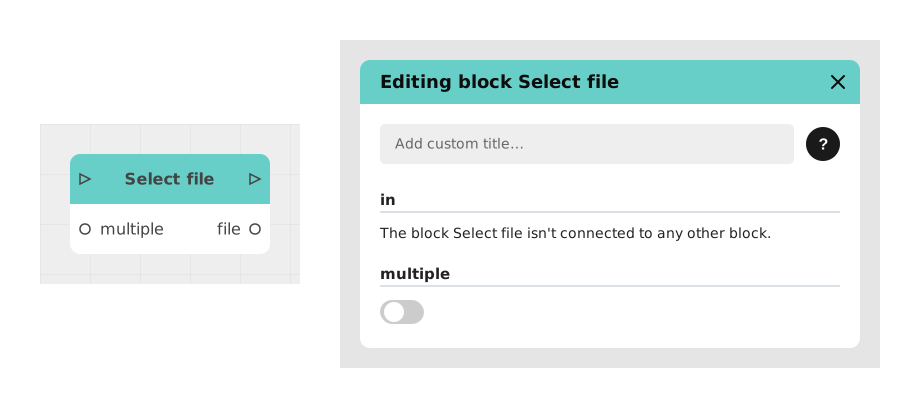
Explains the Select file block, which opens the device's file picker so the user imports one or more files into the Celestory graph, for resumes, attachments, backups or media. A multiple Boolean input (off by default) allows several files.
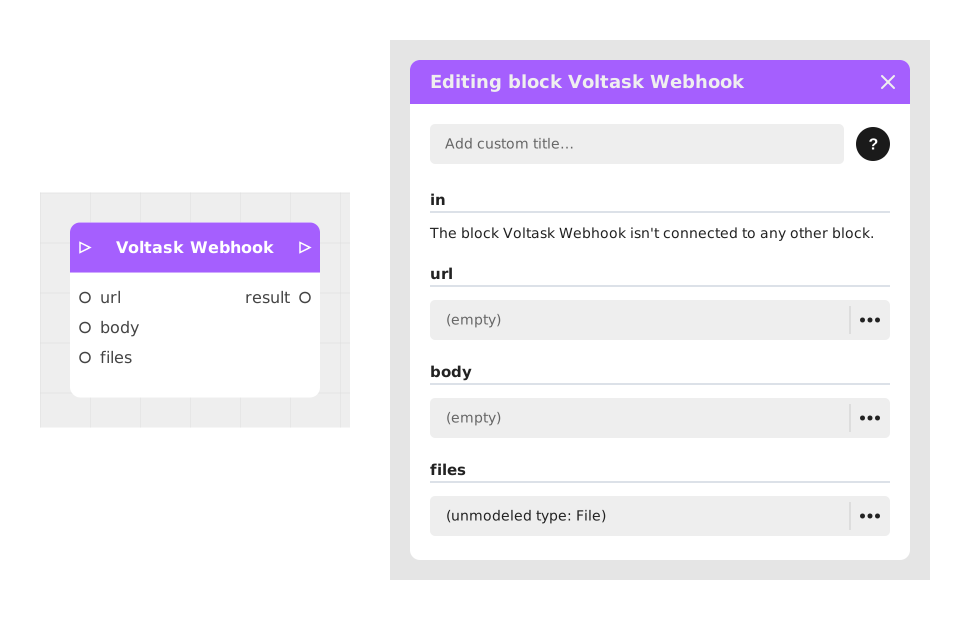
Explains the Voltask Webhook block, which sends an HTTP request from Celestory to Voltask to trigger back-end actions, without a generic HTTP Request block. Useful to automate workflows in the background; the url is its first input.
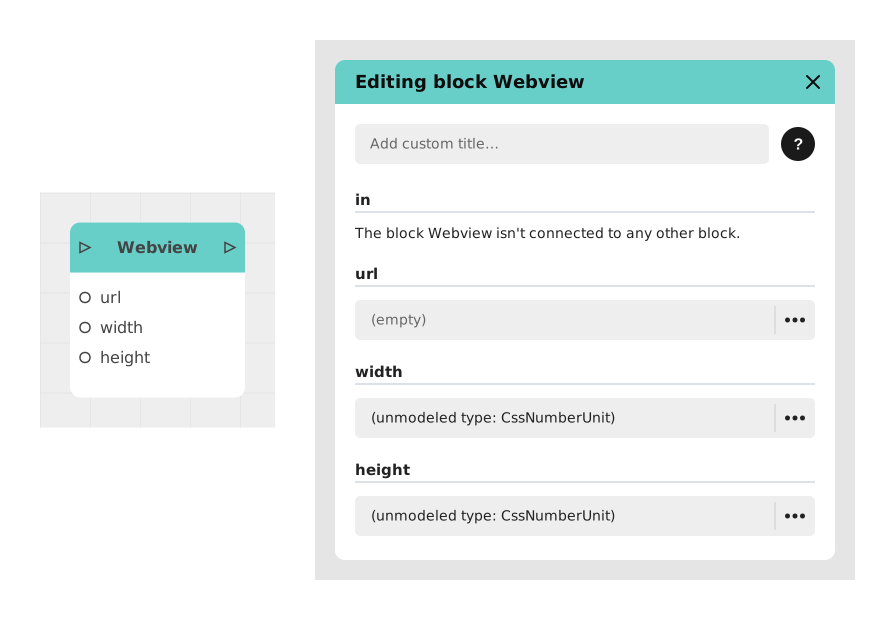
Explains the Webview block, which displays a web page as an embedded frame in the conversation feed of a Celestory app, without leaving for an external browser. Suited to forms, showcase sites, documentation or Google Maps.
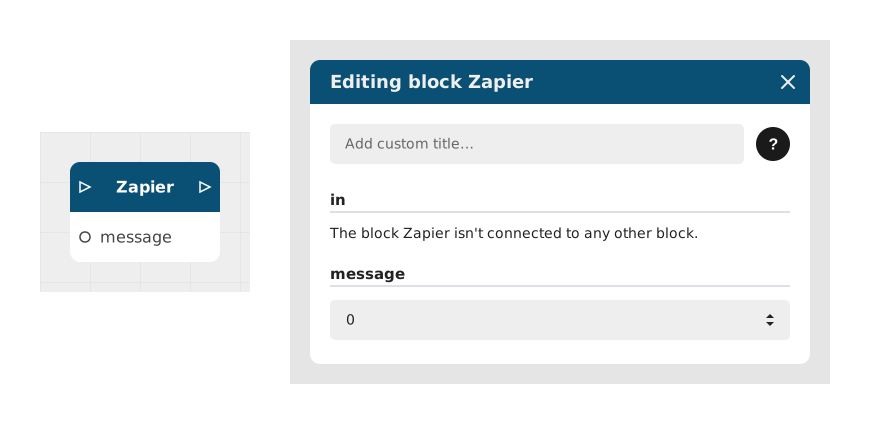
Explains the Zapier block, which sends data from your Celestory story to Zapier so it can trigger an action in another app. Inputs: in (Flow) and message; output: out. Example: notify an administrator on Slack when a player finishes.